iPad FMI OFF 服务
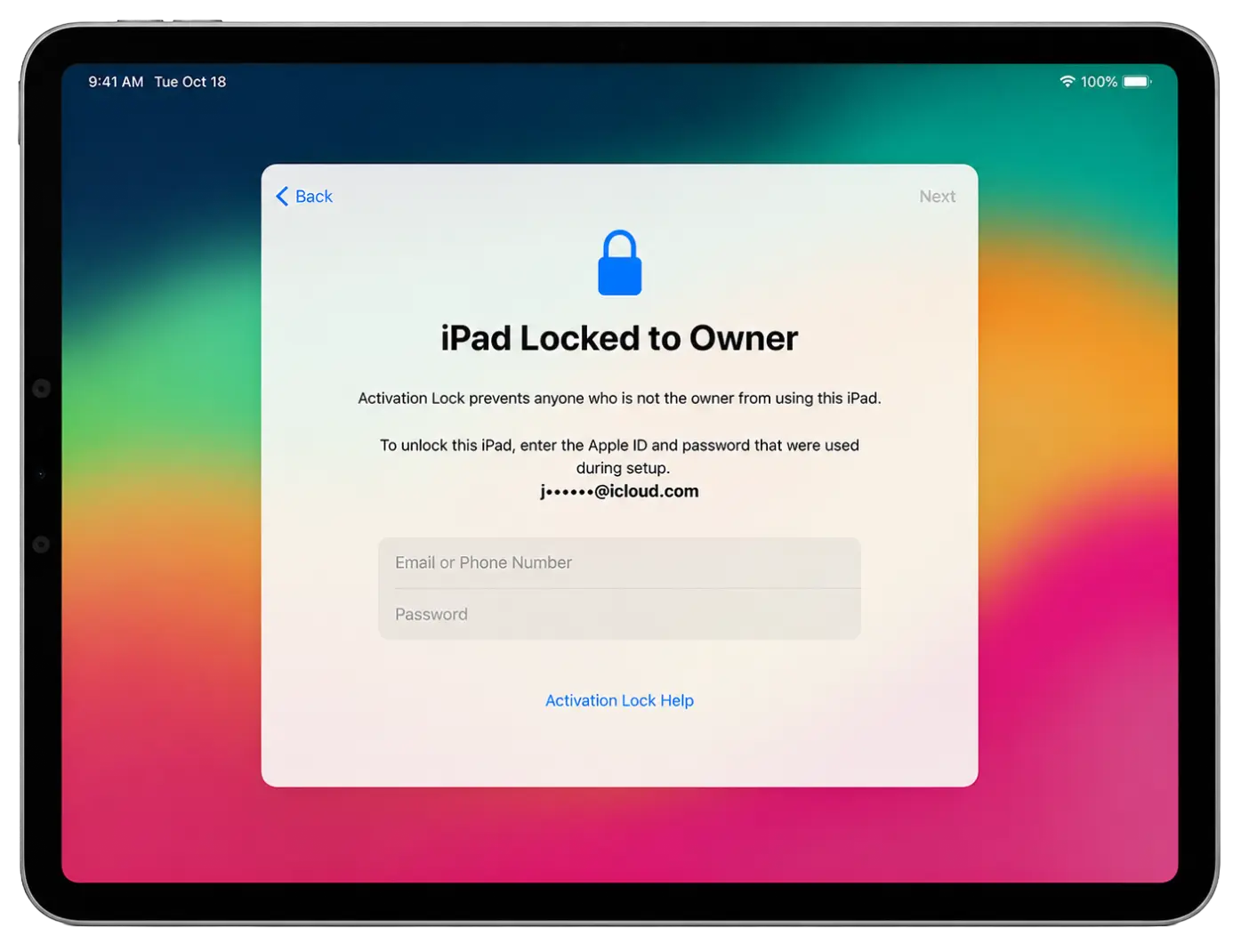
iRemove FMI OFF 服务适用于支持的无 GSM 模块 iPad WiFi,流程简单、快速且全自动。
专为专业解锁服务提供经销商特惠价、批量设备管理、API 接口访问及优先技术支持。
支持密码锁定的 iPad!
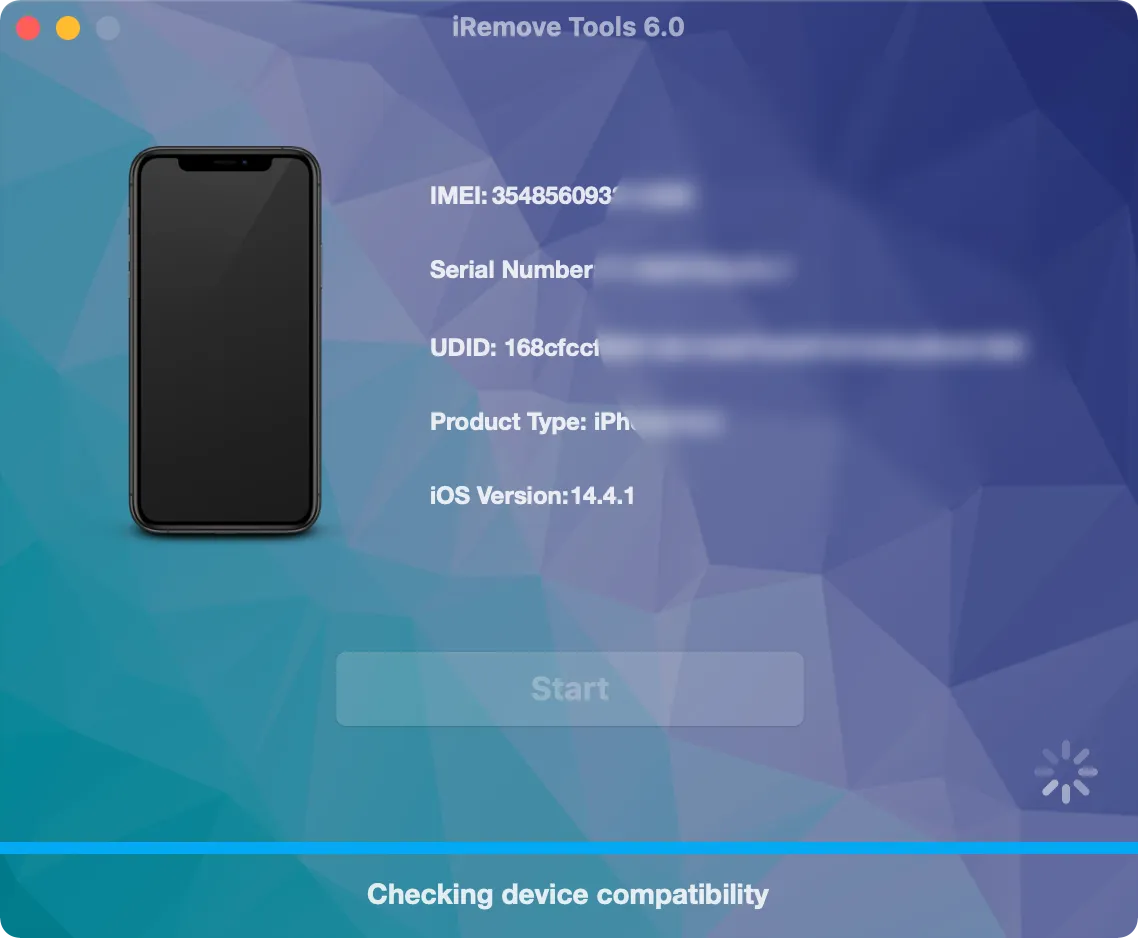
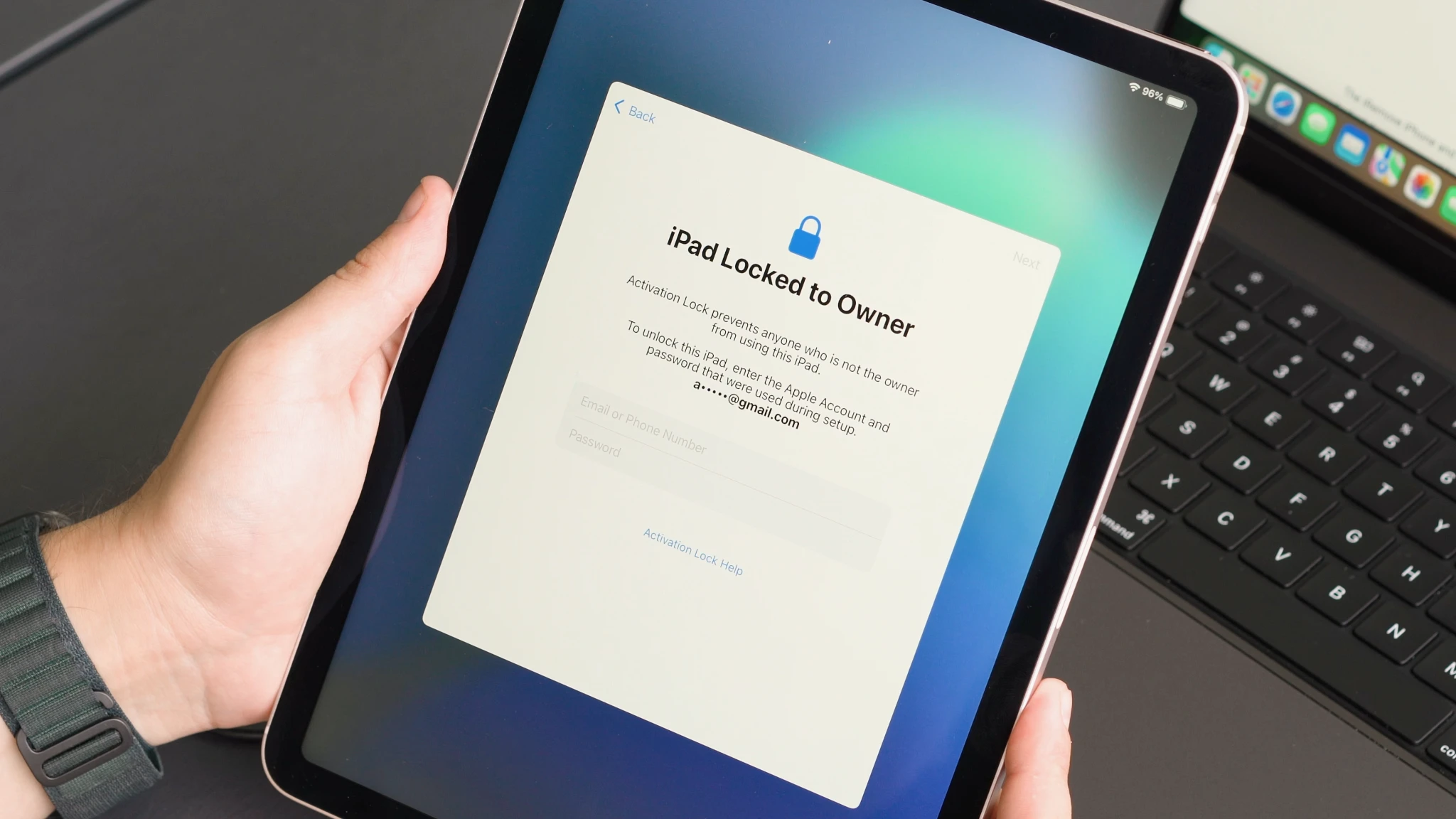
如果您的 iPad 当前停留在密码锁界面,仍然可以使用 FMI OFF 服务。首先使用 DFU 模式恢复设备以移除密码并重新安装 iPadOS。恢复完成并进入激活锁界面后,运行 iRemove FMI OFF 软件检查兼容性。
验证完成后,提交订单并执行 FMI OFF 流程。完成后即可正常激活并设置您的 iPad。
重要提示:本服务仅支持 WiFi 版 iPad,不支持 Cellular(WiFi + GSM)机型。
支持的 iPad 型号及服务价格
查找受支持的 iPad WiFi 型号并查看当前 FMI OFF 服务价格。即时处理、安全激活,支持 iPad、iPad Air、iPad mini 和 iPad Pro。
| 价格表 | |||||
|---|---|---|---|---|---|
| 型号 | 服务名称 | 价格 | 型号 | 服务名称 | 价格 |
| iPad11,6 | iPad 8th Generation | $70 | iPad13,4 | iPad Pro 11-inch M1 | $110 |
| iPad11,3 | iPad Air 3rd Generation | $75 | iPad13,8 | iPad Pro 12.9-inch M1 | $110 |
| iPad11,1 | iPad mini 5 | $75 | iPad13,16 | iPad Air 5th M1 | $110 |
| iPad8,1 | iPad Pro 11-inch | $80 | iPad14,3 | iPad Pro 11-inch M2 | $115 |
| iPad8,2 | iPad Pro 11-inch 1TB | $80 | iPad14,5 | iPad Pro 12.9-inch M2 | $120 |
| iPad8,5 | iPad Pro 12.9-inch Gen 3 | $90 | iPad14,8 | iPad Air 11-inch M2 | $125 |
| iPad8,6 | iPad Pro 12.9-inch 1TB | $90 | iPad14,10 | iPad Air 13-inch M2 | $125 |
| iPad8,9 | iPad Pro 11-inch Gen 2 | $90 | iPad15,3 | iPad Air 11-inch M3 | $130 |
| iPad8,11 | iPad Pro 12.9-inch Gen 4 | $100 | iPad15,5 | iPad Air 13-inch M3 | $130 |
| iPad12,1 | iPad 9th Generation | $95 | iPad15,7 | iPad 11th Gen A16 | $110 |
| iPad13,1 | iPad Air 4th Generation | $95 | iPad16,1 | iPad mini 7th Gen A17 Pro | $140 |
| iPad13,18 | iPad 10th Generation | $100 | iPad16,3 | iPad Pro 11-inch M4 | $160 |
| iPad14,1 | iPad Mini 6 A15 | $100 | iPad16,5 | iPad Pro 13-inch M4 | $170 |
客户率
我们重视每一位客户,并一直乐于听取你的反馈。iRemove服务在2000多条客户评论的基础上获得了极佳的评价。iRemove工具在Trustpilot上被列为 "手机回收及解锁服务 "类别的16家最佳公司中的第一名。
“ Once again, the iRemove Tools team delivers outstanding results! Their work is truly impressive. ”

如何解锁已启用 FMI 锁的 iPad?
以下是使用 iRemove 软件验证 iPad、提交 FMI OFF 订单并即时激活受支持 WiFi 设备的分步指南。
下载并安装 iRemove FMI OFF 软件
iRemove FMI OFF 软件支持 Windows 和 macOS。下载软件,连接 iPad,并在下单前验证设备兼容性。
macOS 用户指南
下载并安装适用于 macOS 的官方 iRemove FMI OFF 软件。下载完成后,右键点击应用图标并选择“打开”,然后授予所有必要权限。
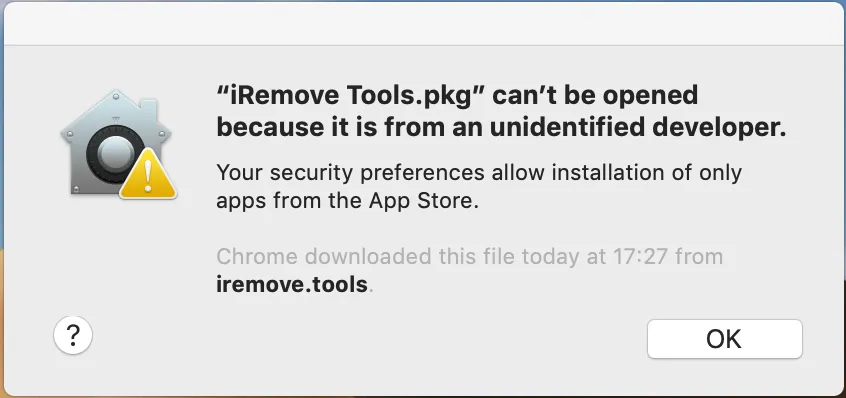
iRemove Tools.pkg'不能被打开
如果您尝试打开未经过 Apple 认证开发者签名的应用程序,系统会显示警告。这并不意味着应用存在问题。请参考 Apple 官方指南了解如何 打开来自未识别开发者的 Mac 应用 to run the iRemove Tool on your device.
-
开始安装软件
![安装 iPad FMI OFF 软件 - 第1步]()
-
允许安装软件
![安装 iPad FMI OFF 软件 - 第2步]()
-
完成软件安装
![安装 iPad FMI OFF 软件 - 第3步]()
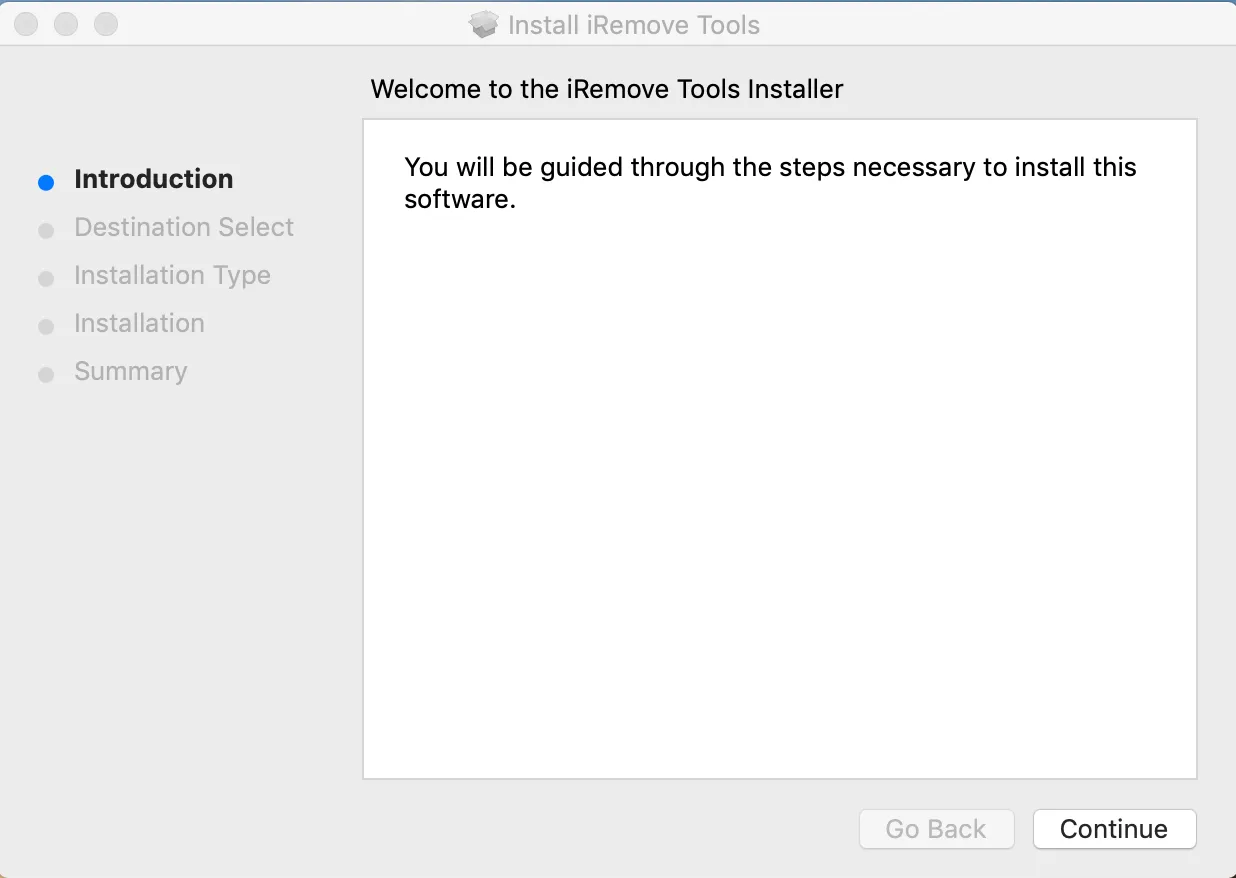
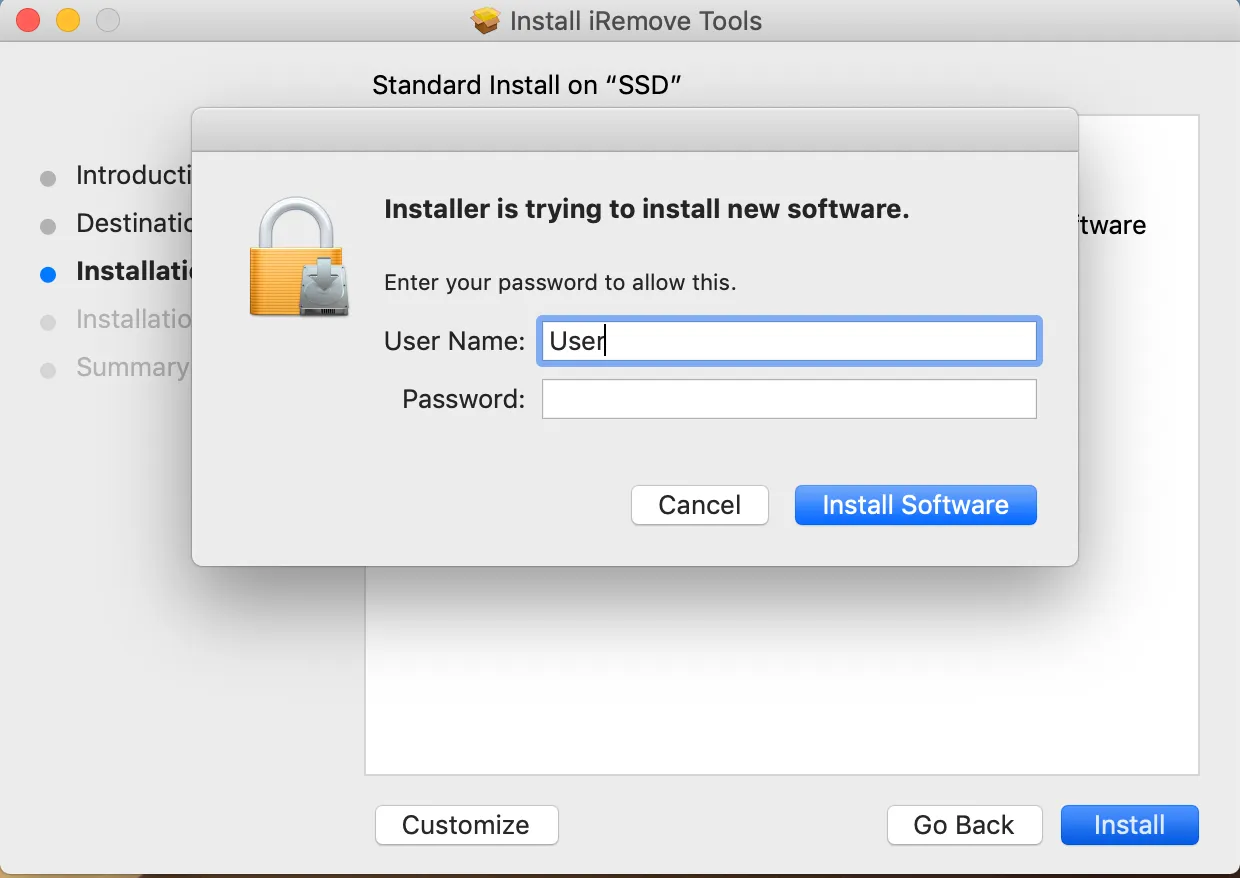
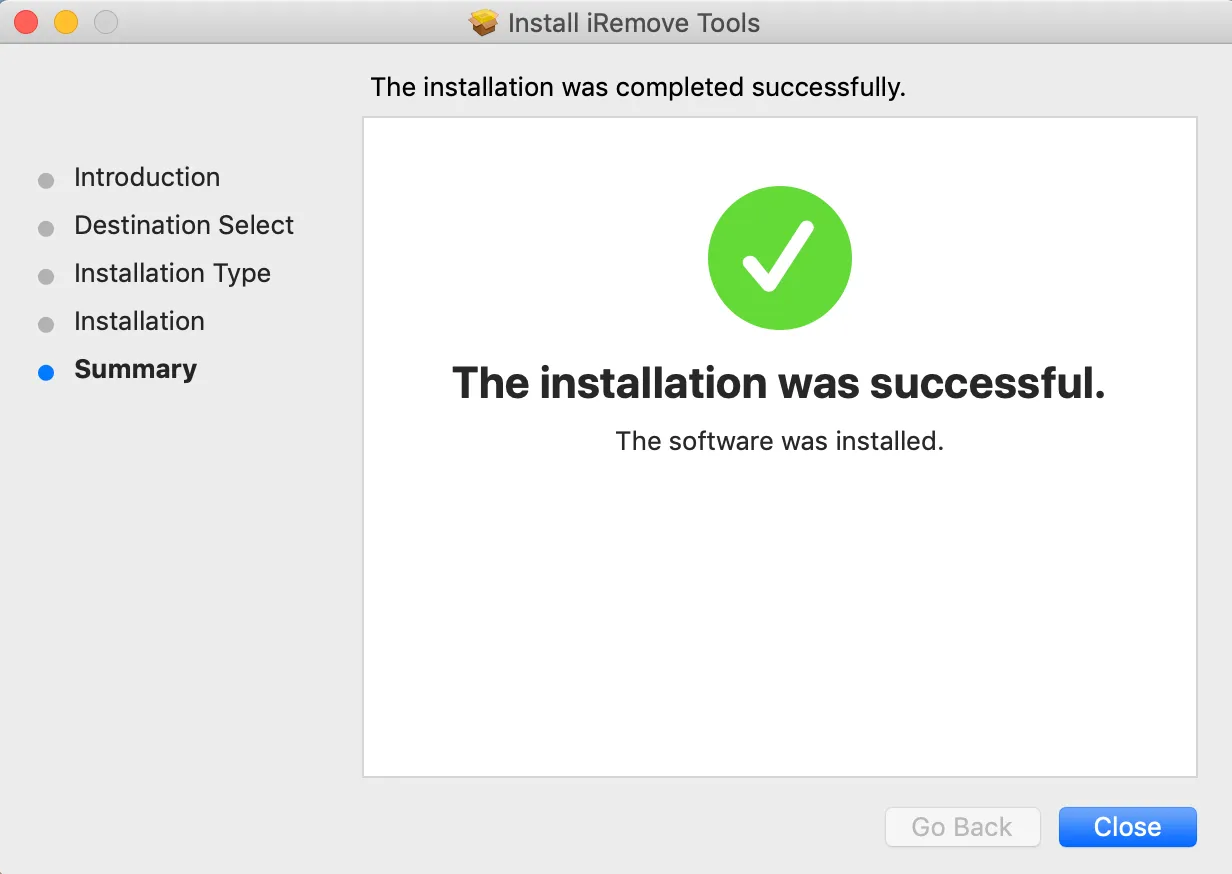
To launch the software, click the iRemove FMI OFF icon in your Applications folder. Alternatively, open Launchpad from the Dock and select the iRemove FMI OFF Software icon to start the application.
检查 iPad FMI 解锁支持情况
使用 USB 数据线连接 iPad 并启动软件。工具会自动检测您的设备并验证是否支持 FMI OFF 服务。
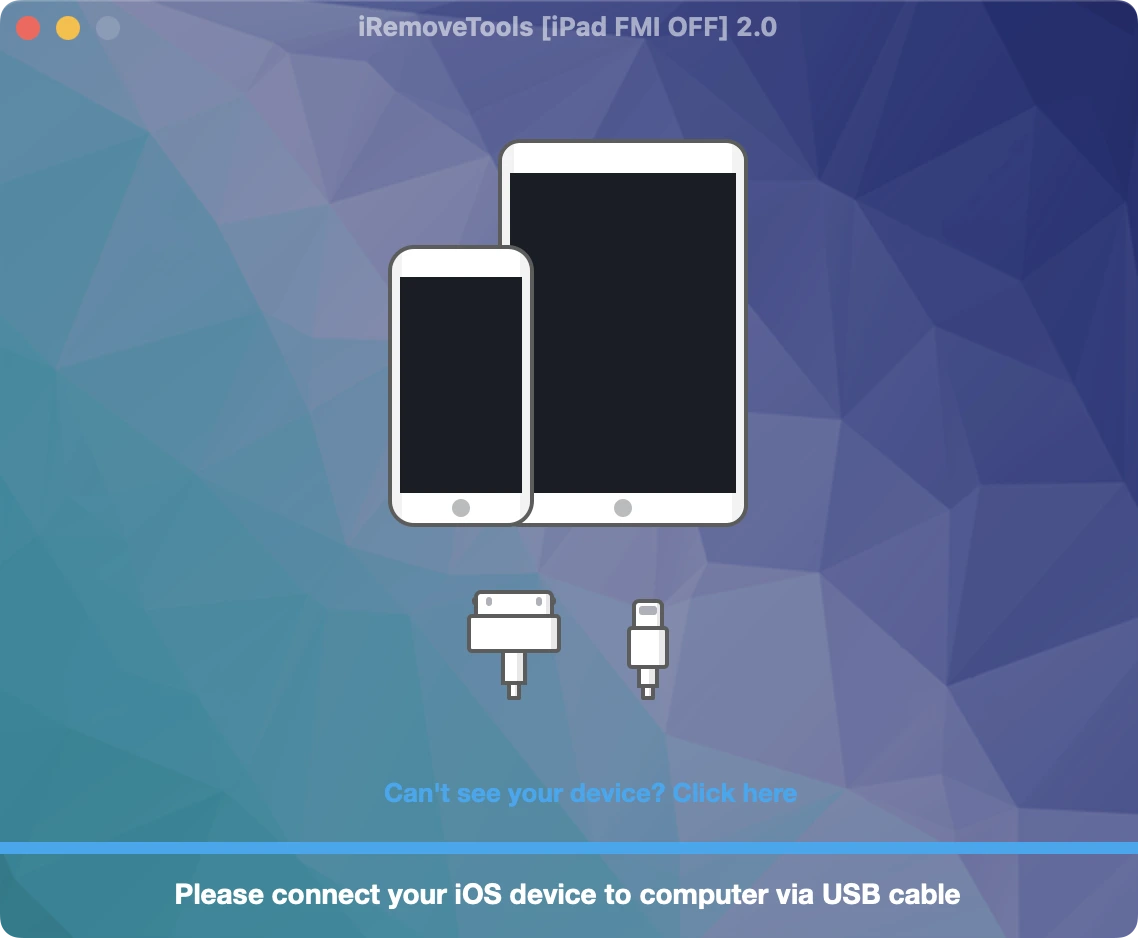
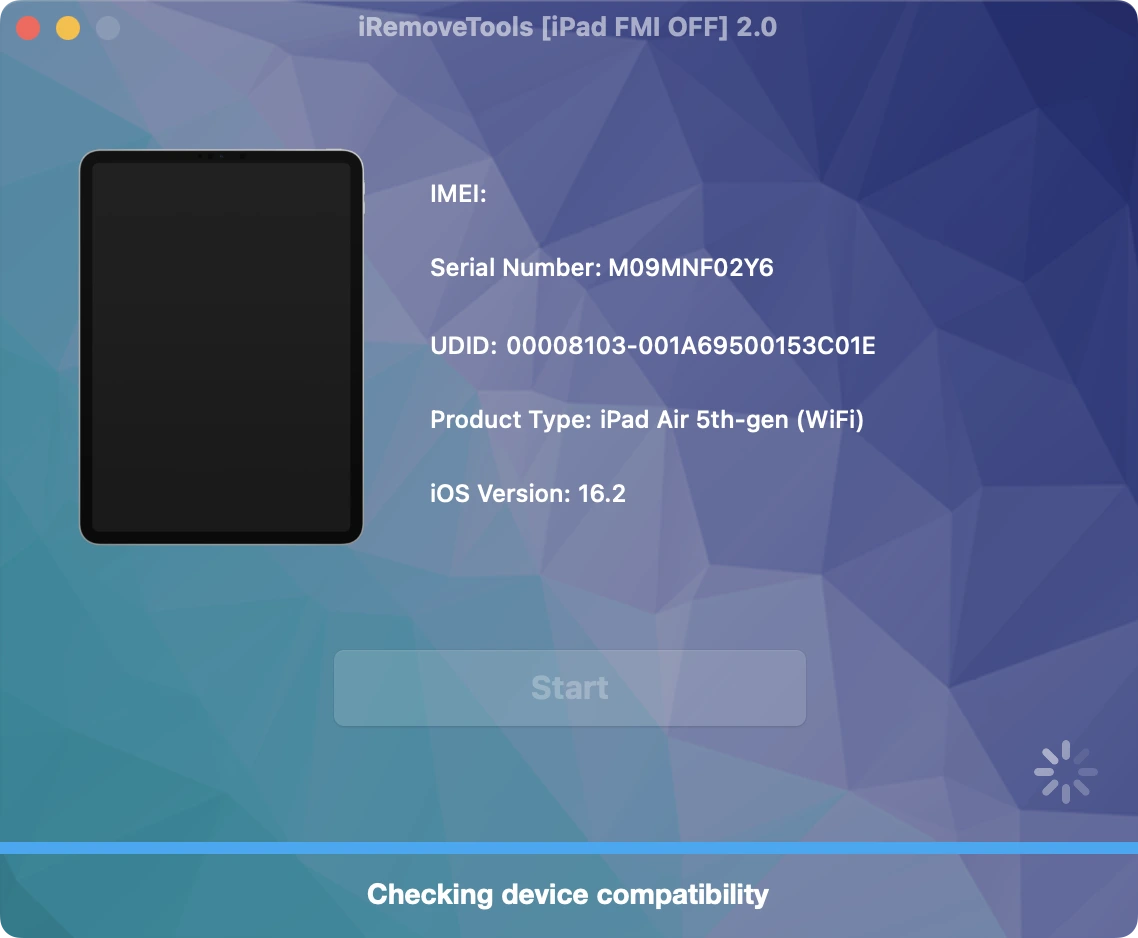
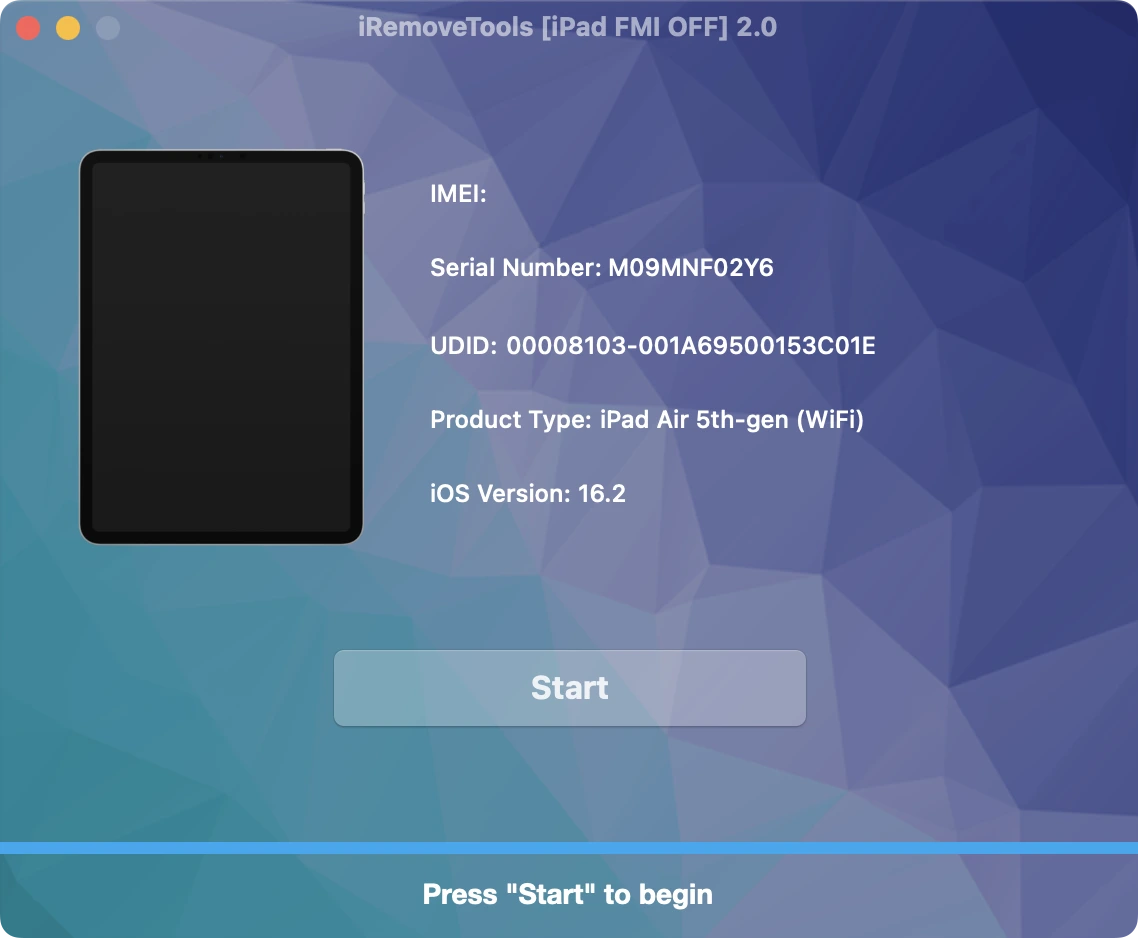
购买 iRemove FMI OFF 服务
Place your order and make payment. We accept the following payment methods: Visa, Mastercard, American Express, Cryptocurrency, and Z3X Credits. Once your payment is confirmed, your device's serial number will be permanently added to the iRemove Database. You can then use the software to remove the FMI lock from your iPad.
使用 iRemove 软件开始 FMI OFF 流程
点击“Start Unlock”按钮,等待工具提示您需要恢复设备。您还将获得有关以下内容的详细指南链接: 如何使用 iTunes 恢复 iPhone。
恢复完成后,您的设备将自动更新到最新版本的 iOS。请注意,此过程将永久删除锁定设备上的所有数据。
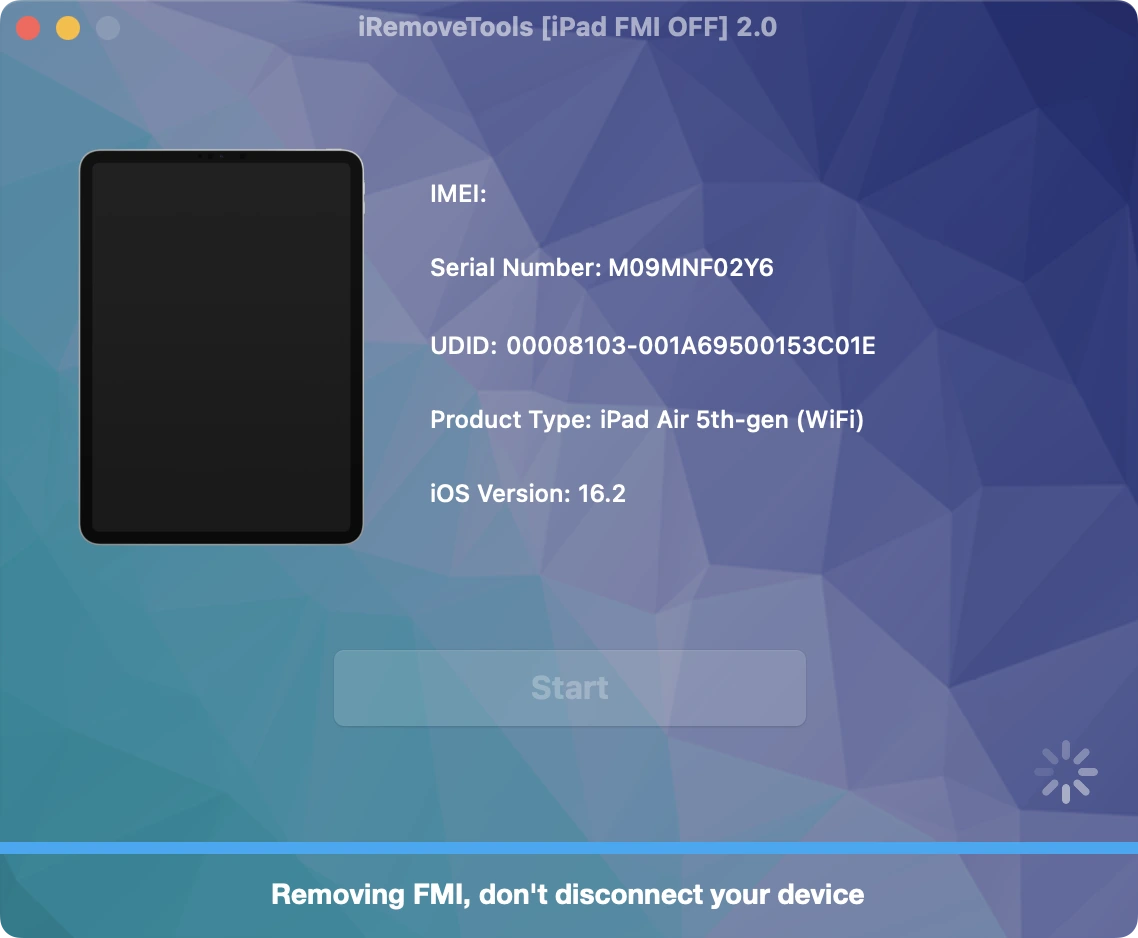
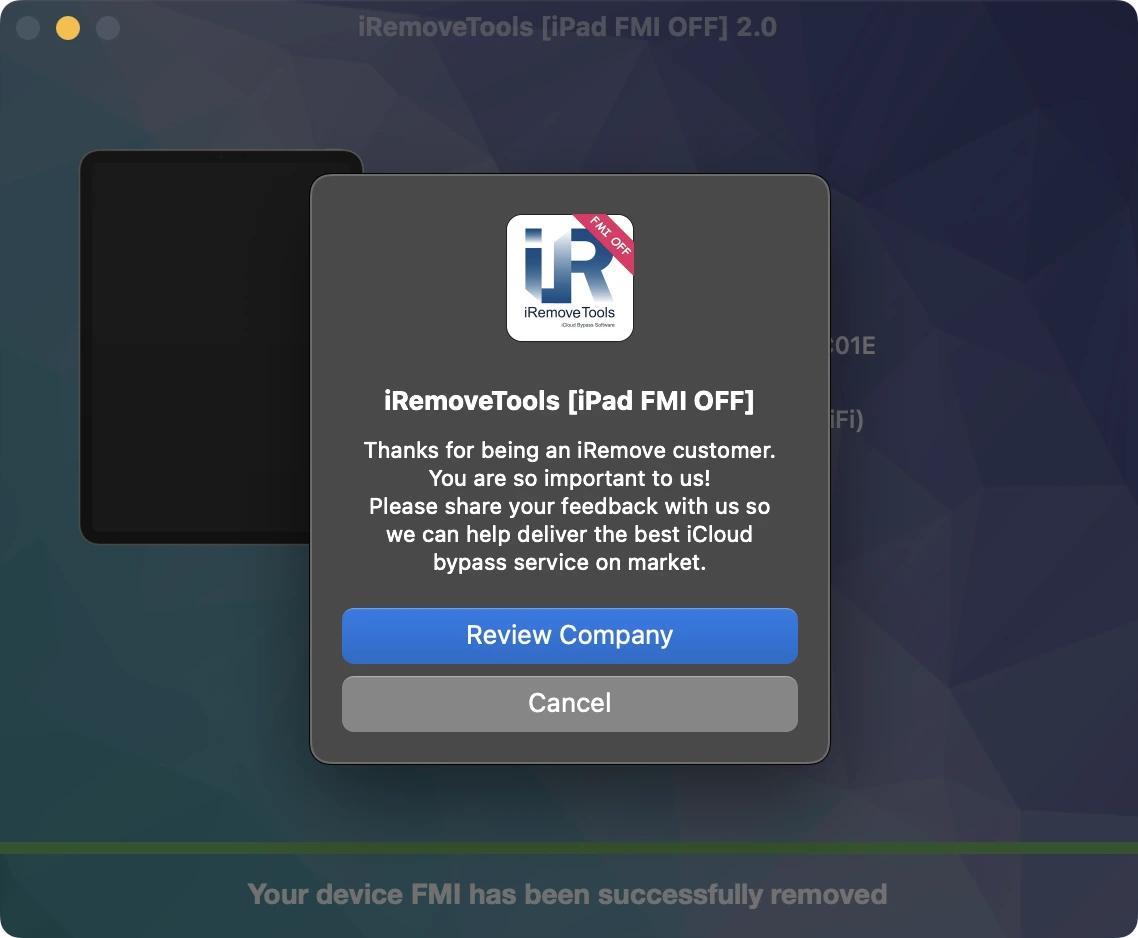
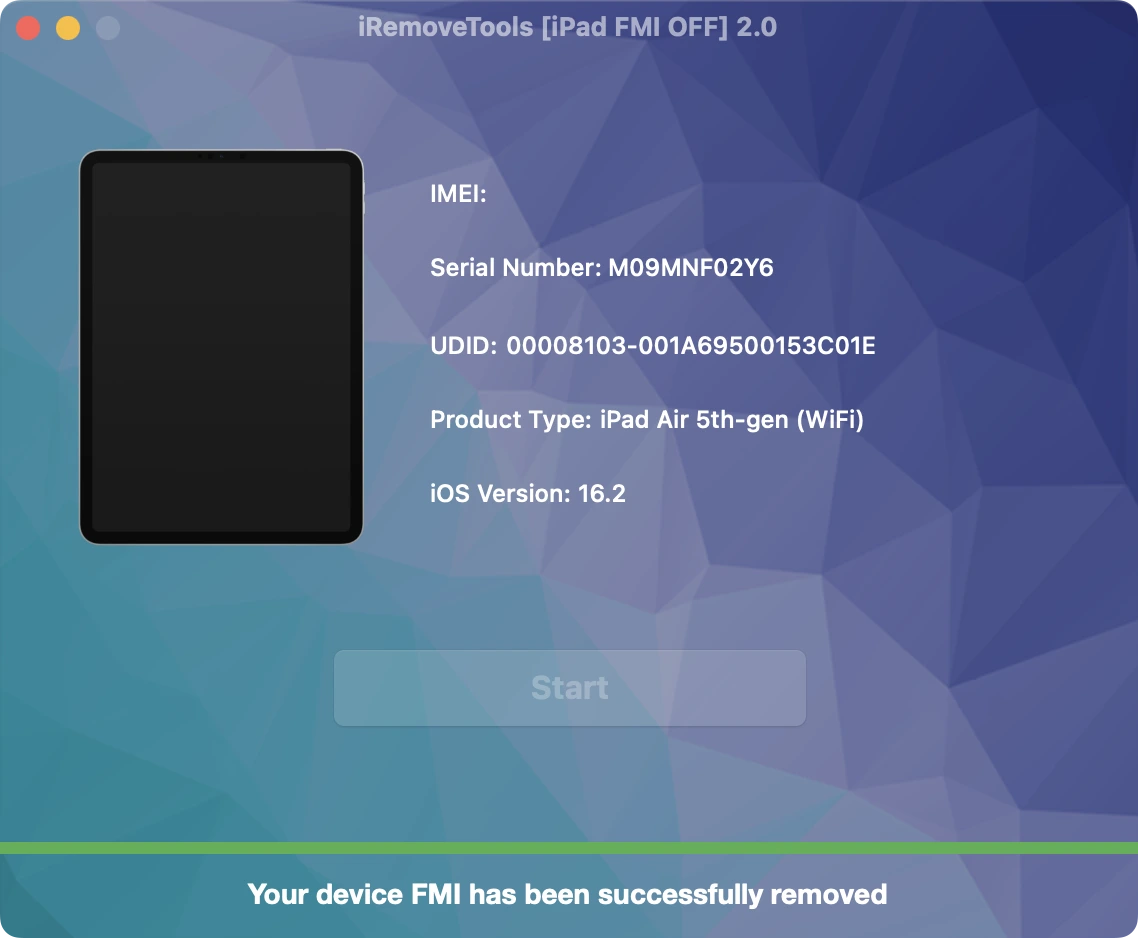
Congratulations! FMI has been permanently removed from your iPad. You can now set up the device as new, sign in with your Apple ID, install apps from the App Store, browse the web, and enjoy all supported features without restrictions.
iRemove软件合作伙伴
批发商及小企业主会喜欢我们的合作伙伴关系提供的好处。如果你有一个GSM商店、车间或其他业务,你可以成为我们的合作伙伴。iRemove合作伙伴计划支持GSM融合、DHRU及其他流行的GSM服务。我们使用API连接,将经销商网站连接到我们提供的服务。我们还开发了一个客户端系统,用于快速访问所有服务。
成为iRemove联盟的一员
你有一个科技博客吗?你在经营一个YouTube频道或Instagram账户吗?加入iRemove联盟计划,赚取额外的钱,享受被动收入。你可以为Mac用户提供iRemove解锁及绕过服务,并从成为我们的联盟中受益。如果你希望今天开始赚取额外的钱,请向我们发送你的加盟请求。