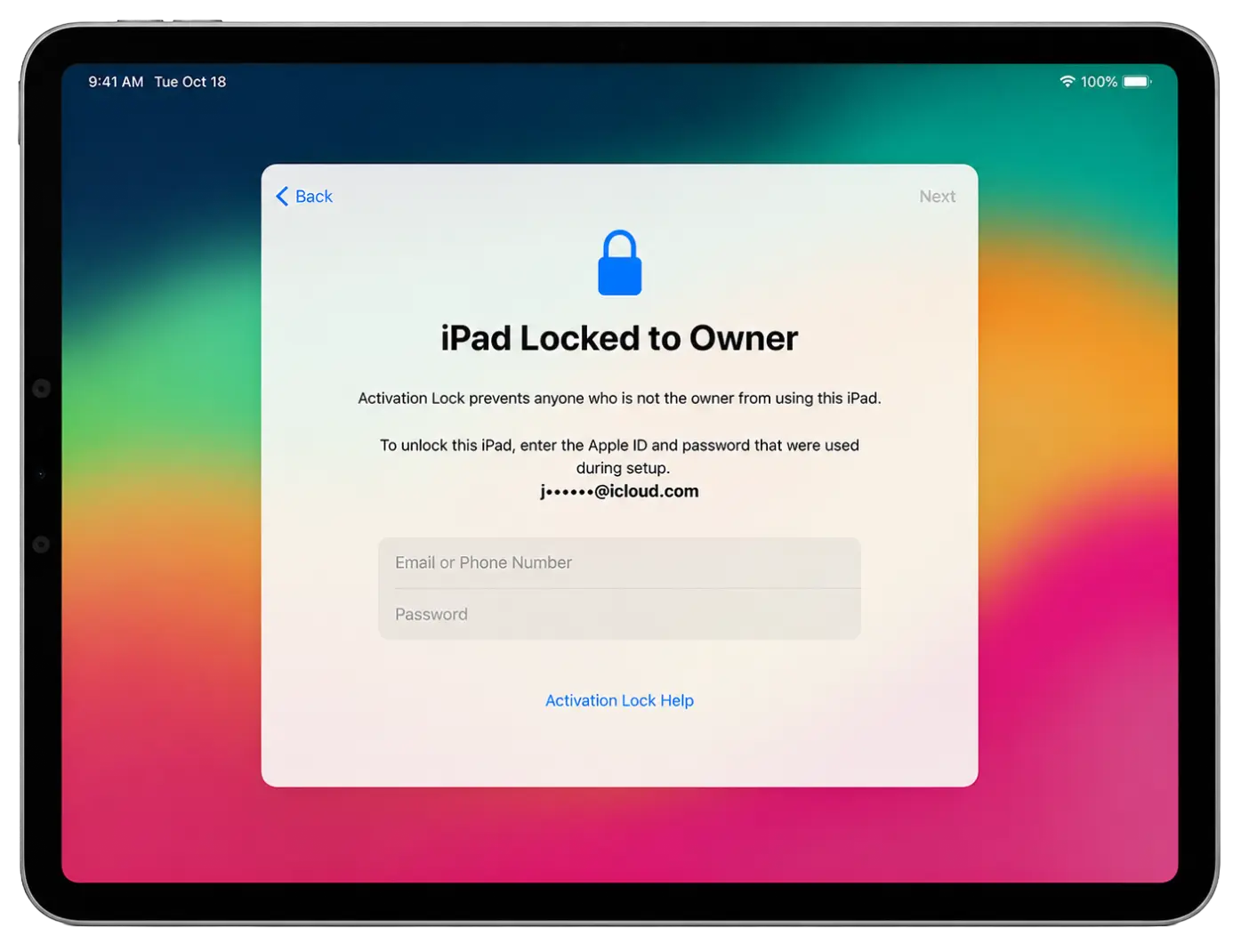
Servicio iPad FMI OFF – Activación instantánea
Software iRemove
El servicio iRemove FMI OFF ofrece una solución instantánea para modelos compatibles de iPad WiFi sin módulo GSM. Descarga el software iRemove, conecta tu iPad y verifica la compatibilidad.
El servicio admite modelos iPad, iPad Air, iPad mini e iPad Pro solo WiFi. Tras la activación, el dispositivo puede utilizarse normalmente sin las restricciones de Find My iPad.
-
Firmware de iOS compatible:
- cualquier versión de iOS
Información adicional:
- SERVICIO FMI OFF INSTANTÁNEO PARA IPAD WiFi
Servicio FMI OFF para iPad
El servicio iRemove FMI OFF está diseñado para modelos compatibles de iPad WiFi sin módulo GSM. El proceso es simple, rápido y totalmente automatizado.
Precios especiales para revendedores, gestión masiva, acceso a la API y soporte prioritario para servicios profesionales.
¡Se admiten iPad bloqueados con código!
Si tu iPad está bloqueado con código, aún puedes utilizar el servicio FMI OFF. Primero restaura el dispositivo en modo DFU para eliminar el código y reinstalar iPadOS. Una vez finalizada la restauración y aparezca la pantalla de Bloqueo de Activación, ejecuta iRemove FMI OFF Software para verificar la compatibilidad.
Tras la verificación, realiza tu pedido y ejecuta el proceso FMI OFF. Una vez finalizado, podrás activar y configurar tu iPad normalmente.
Importante: este servicio solo admite modelos iPad WiFi. Los modelos Cellular (WiFi + GSM) no son compatibles.
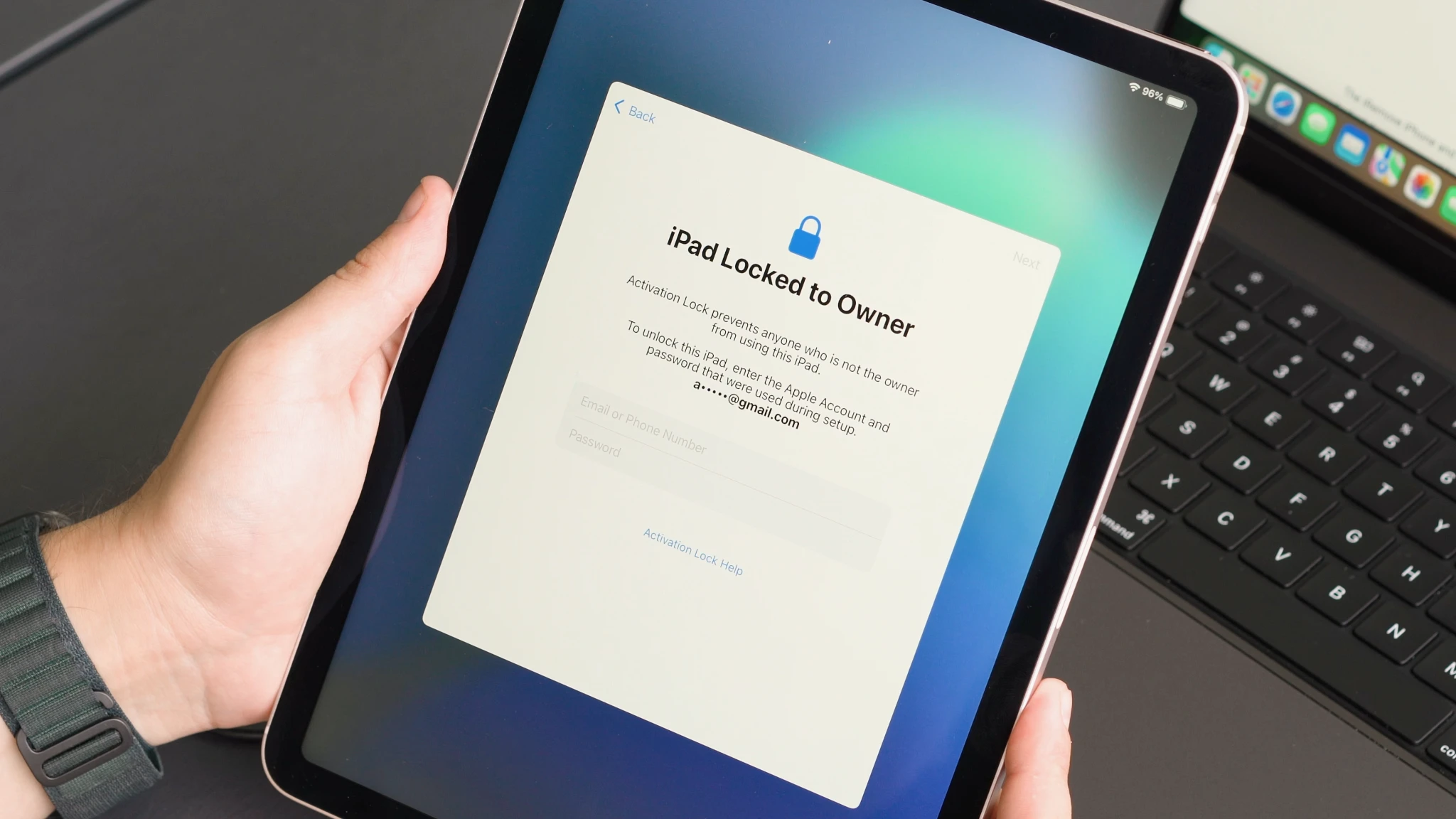
Modelos de iPad compatibles y precios del servicio
Encuentra tu modelo compatible de iPad WiFi y consulta los precios actuales del servicio FMI OFF. Procesamiento instantáneo, activación segura y compatibilidad con iPad, iPad Air, iPad mini e iPad Pro.
| Precios | |||||
|---|---|---|---|---|---|
| Modelo | Nombre del servicio | Precio | Modelo | Nombre del servicio | Precio |
| iPad11,6 | iPad 8th Generation | $70 | iPad13,4 | iPad Pro 11-inch M1 | $110 |
| iPad11,3 | iPad Air 3rd Generation | $75 | iPad13,8 | iPad Pro 12.9-inch M1 | $110 |
| iPad11,1 | iPad mini 5 | $75 | iPad13,16 | iPad Air 5th M1 | $110 |
| iPad8,1 | iPad Pro 11-inch | $80 | iPad14,3 | iPad Pro 11-inch M2 | $115 |
| iPad8,2 | iPad Pro 11-inch 1TB | $80 | iPad14,5 | iPad Pro 12.9-inch M2 | $120 |
| iPad8,5 | iPad Pro 12.9-inch Gen 3 | $90 | iPad14,8 | iPad Air 11-inch M2 | $125 |
| iPad8,6 | iPad Pro 12.9-inch 1TB | $90 | iPad14,10 | iPad Air 13-inch M2 | $125 |
| iPad8,9 | iPad Pro 11-inch Gen 2 | $90 | iPad15,3 | iPad Air 11-inch M3 | $130 |
| iPad8,11 | iPad Pro 12.9-inch Gen 4 | $100 | iPad15,5 | iPad Air 13-inch M3 | $130 |
| iPad12,1 | iPad 9th Generation | $95 | iPad15,7 | iPad 11th Gen A16 | $110 |
| iPad13,1 | iPad Air 4th Generation | $95 | iPad16,1 | iPad mini 7th Gen A17 Pro | $140 |
| iPad13,18 | iPad 10th Generation | $100 | iPad16,3 | iPad Pro 11-inch M4 | $160 |
| iPad14,1 | iPad Mini 6 A15 | $100 | iPad16,5 | iPad Pro 13-inch M4 | $170 |
Tarifa de cliente
Valoramos a cada uno de nuestros clientes y siempre estamos contentos de escuchar sus comentarios. El servicio de iRemove tiene una calificación excelente basada en más de 2.000 opiniones de clientes. iRemove Tools se encuentra en la primera posición entre las 16 mejores empresas de la categoría "Servicio de reciclaje y desbloqueo de teléfonos móviles" en Trustpilot.
“ Once again, the iRemove Tools team delivers outstanding results! Their work is truly impressive. ”

¿Cómo desbloquear un iPad bloqueado por FMI?
A continuación encontrarás una guía paso a paso para verificar tu iPad, realizar un pedido FMI OFF y activar al instante un dispositivo WiFi compatible utilizando iRemove Software.
Descargar e instalar iRemove FMI OFF Software
iRemove FMI OFF Software está disponible para Windows y macOS. Descarga la aplicación, conecta tu iPad y verifica la compatibilidad antes de realizar tu pedido.
Guía para usuarios de macOS
Descarga e instala el software oficial iRemove FMI OFF para macOS. Después de descargarlo, abre la aplicación haciendo clic derecho sobre el icono y seleccionando «Abrir». Concede todos los permisos necesarios.
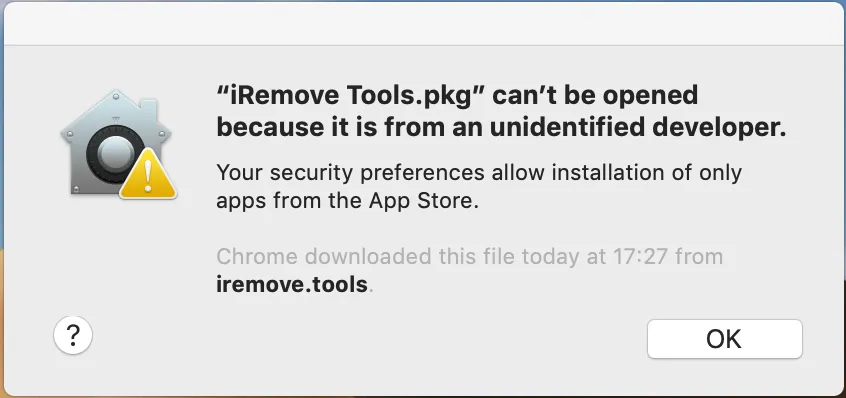
Herramientas iRemove.pkg' no se puede abrir
Si intentas abrir una aplicación que no está registrada por un desarrollador identificado por Apple, aparecerá un aviso. Esto no significa que la aplicación sea insegura. Consulta la guía oficial de Apple para saber cómo abrir una aplicación de Mac de un desarrollador no identificado to run the iRemove Tool on your device.
-
Iniciar la instalación del software
![Instalación de iPad FMI OFF Software - Paso 1]()
-
Permitir la instalación del software
![Instalación de iPad FMI OFF Software - Paso 2]()
-
Completar la instalación del software
![Instalación de iPad FMI OFF Software - Paso 3]()
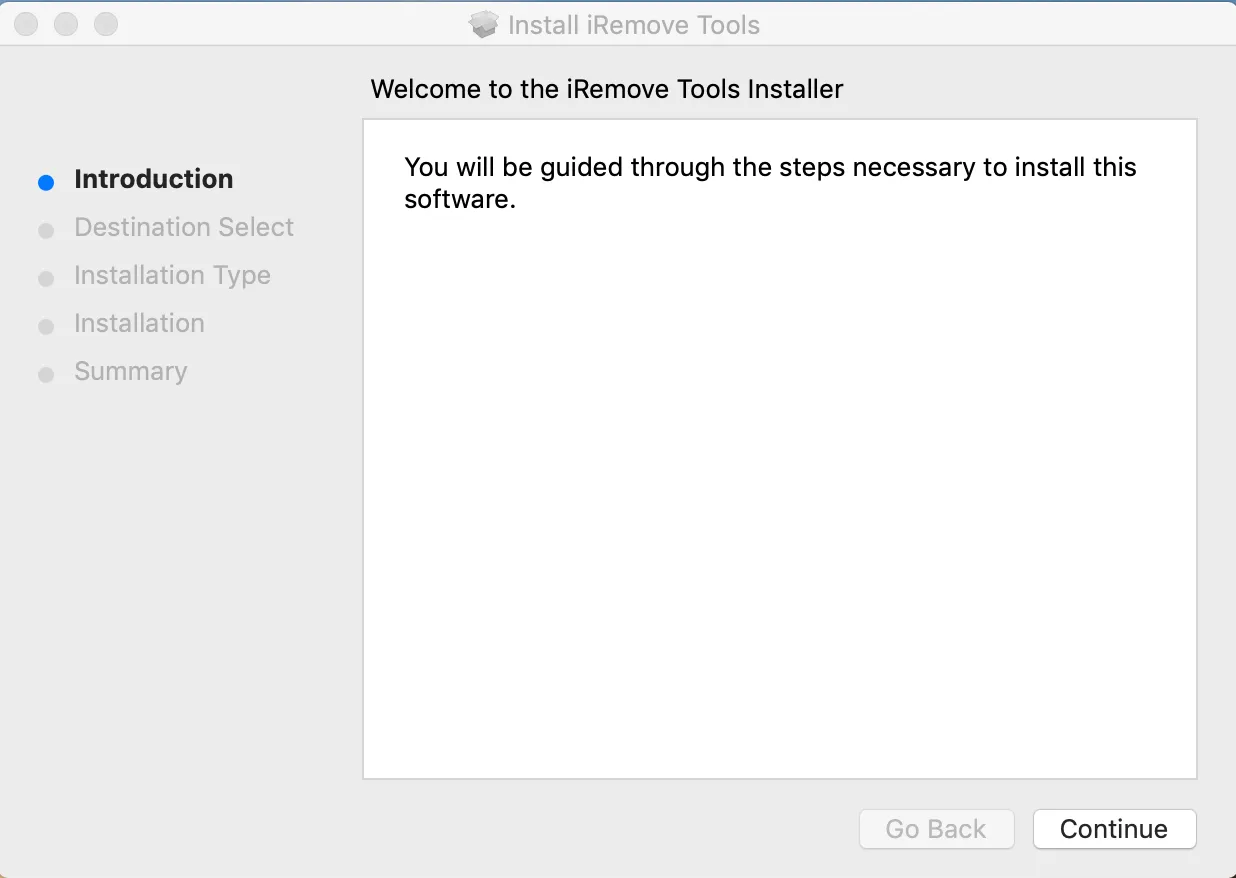
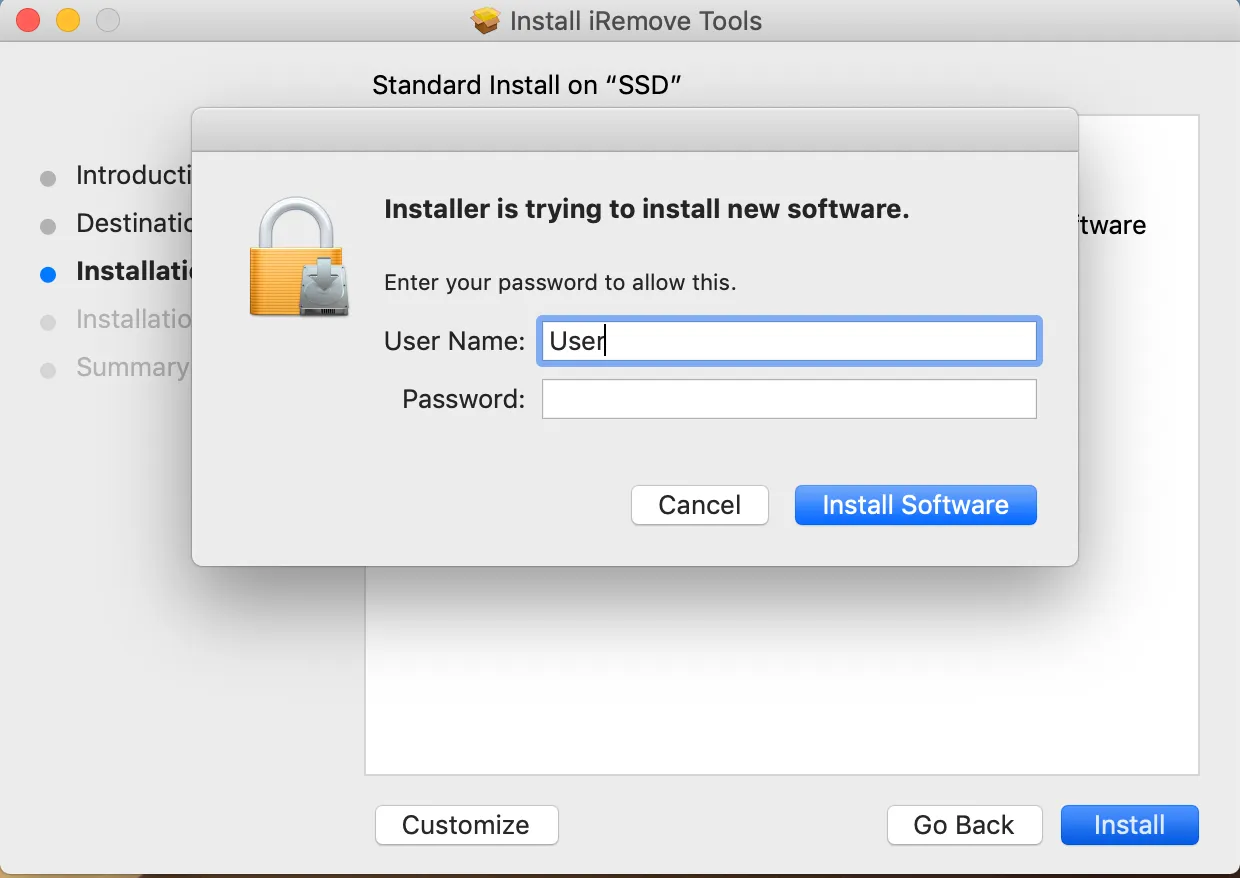
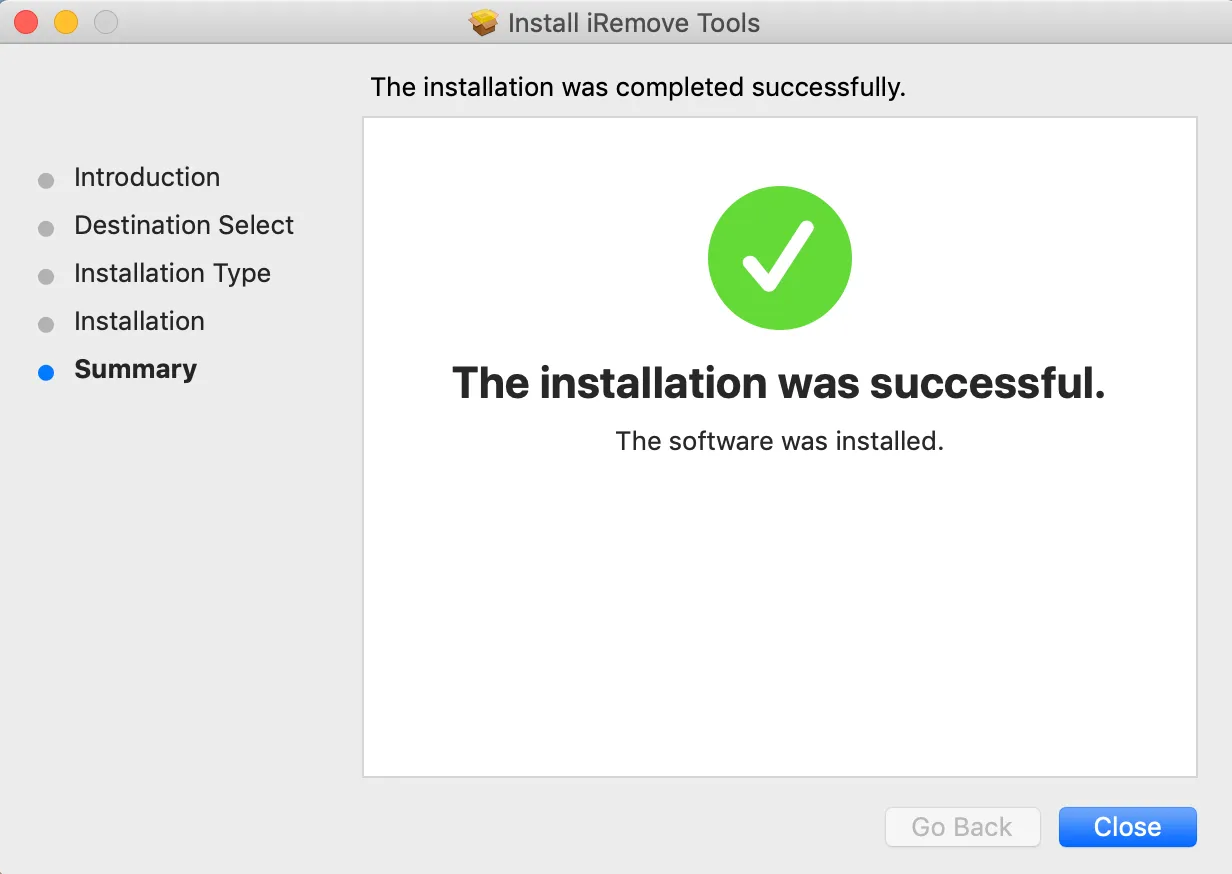
To launch the software, click the iRemove FMI OFF icon in your Applications folder. Alternatively, open Launchpad from the Dock and select the iRemove FMI OFF Software icon to start the application.
Verificar la posibilidad de desbloqueo FMI del iPad
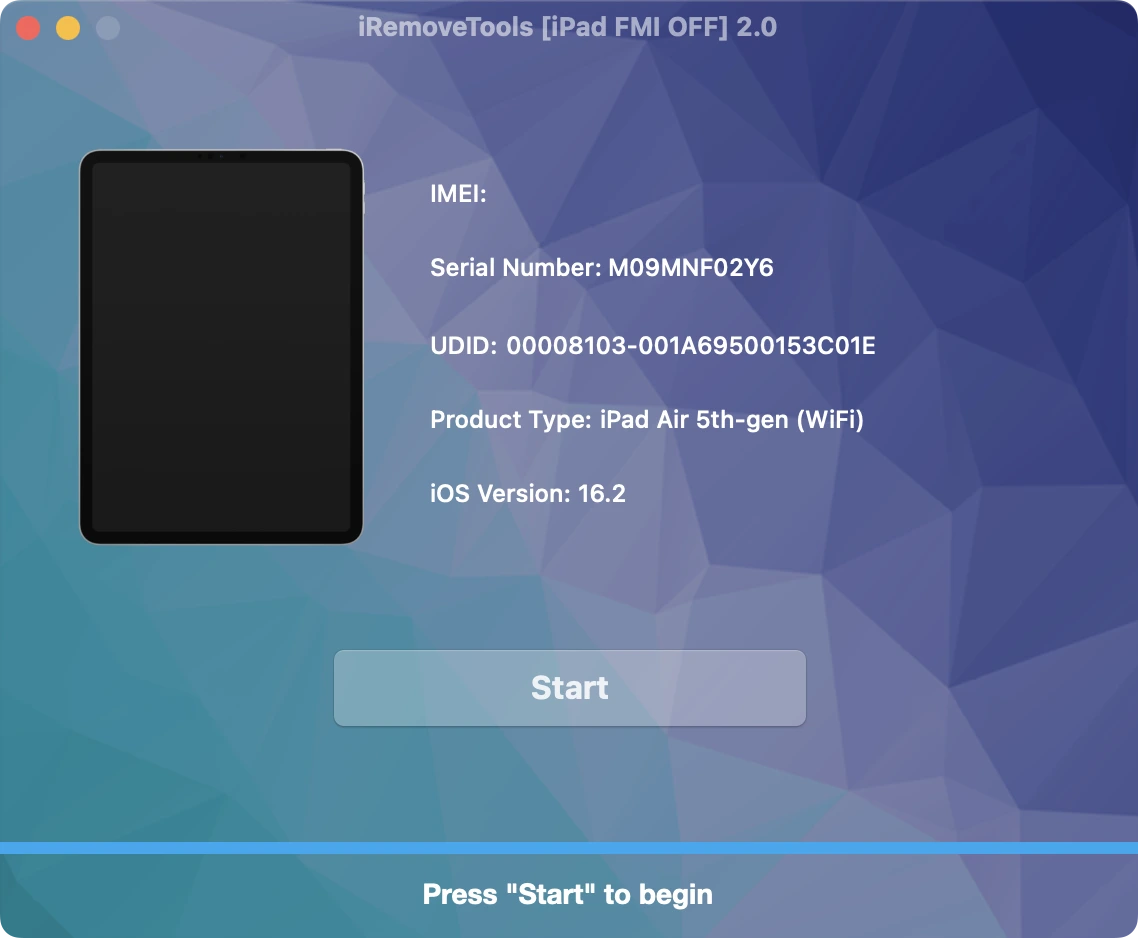
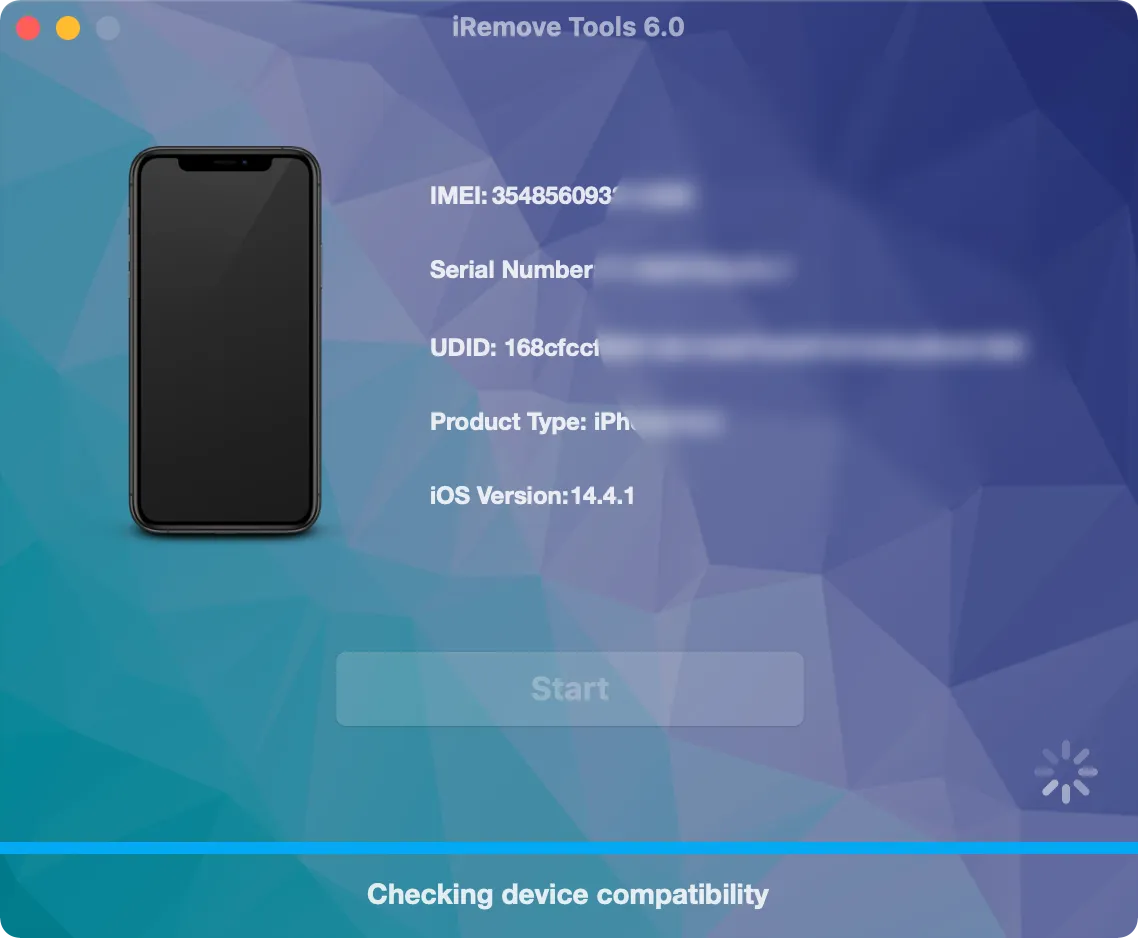
Conecta tu iPad mediante un cable USB y ejecuta el software. La herramienta detectará automáticamente el dispositivo y comprobará si es compatible con el servicio FMI OFF.
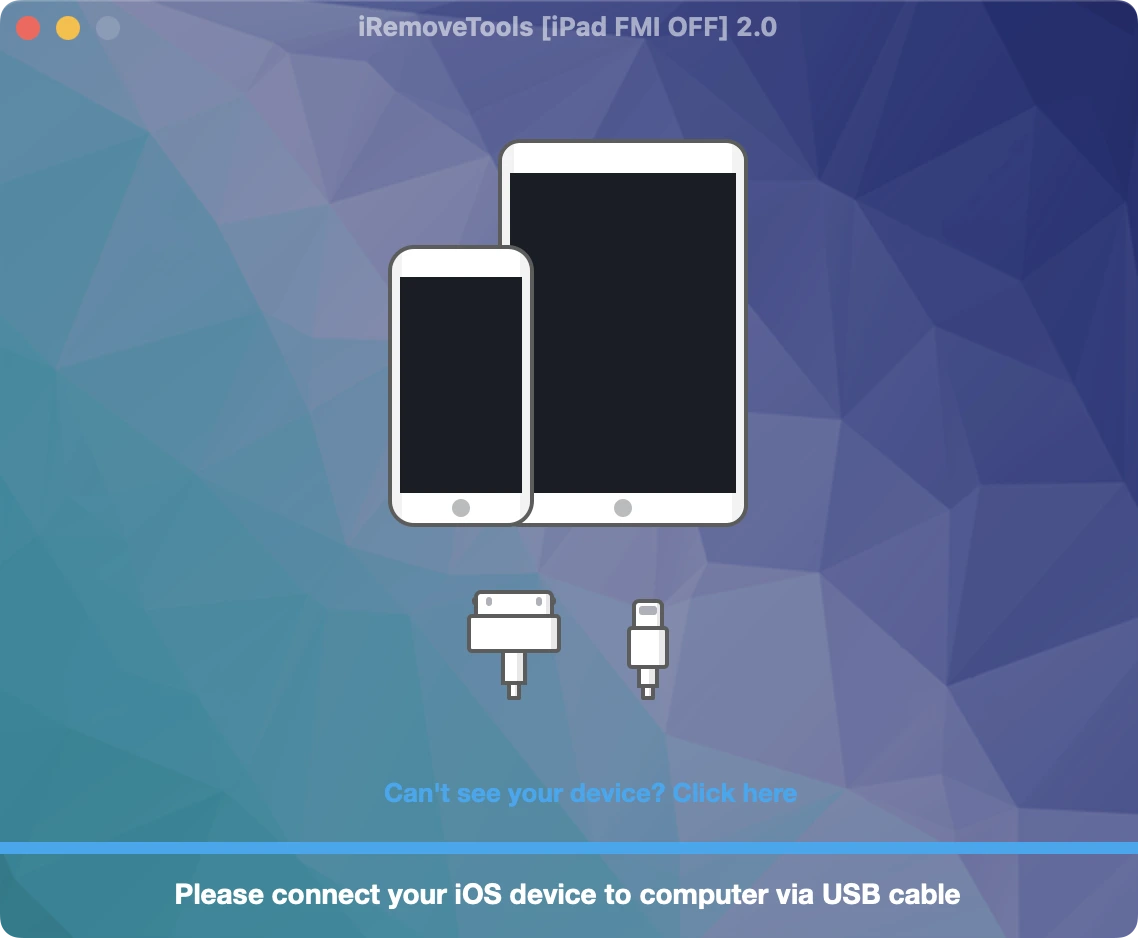
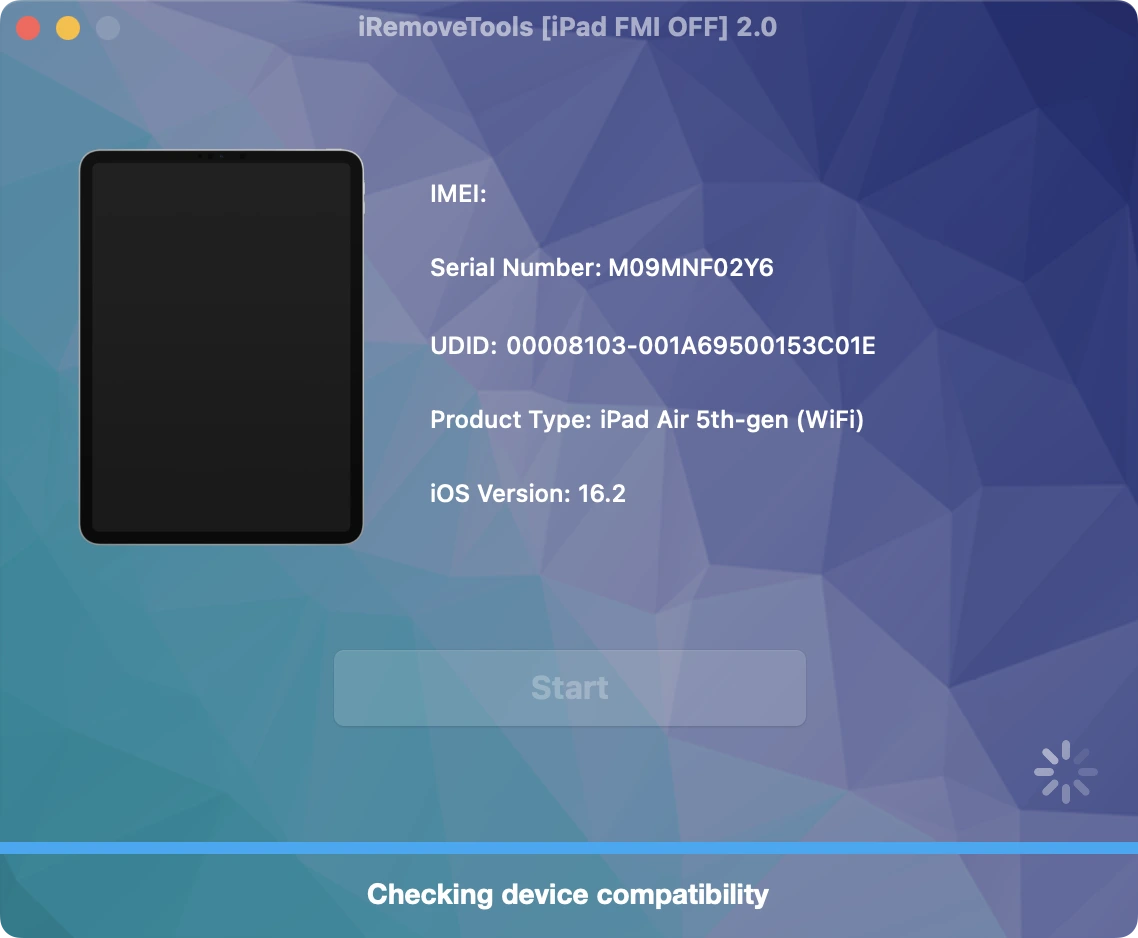
Comprar el servicio iRemove FMI OFF
Place your order and make payment. We accept the following payment methods: Visa, Mastercard, American Express, Cryptocurrency, and Z3X Credits. Once your payment is confirmed, your device's serial number will be permanently added to the iRemove Database. You can then use the software to remove the FMI lock from your iPad.
Iniciar el proceso FMI OFF con iRemove Software
Haz clic en el botón «Start Unlock» y espera hasta que la herramienta indique que debes restaurar el dispositivo. También recibirás un enlace a la guía detallada sobre cómo restaurar un iPhone mediante iTunes.
Una vez completada la restauración, tu dispositivo se actualizará automáticamente a la última versión de iOS. Ten en cuenta que el proceso eliminará permanentemente todos los datos del dispositivo bloqueado.
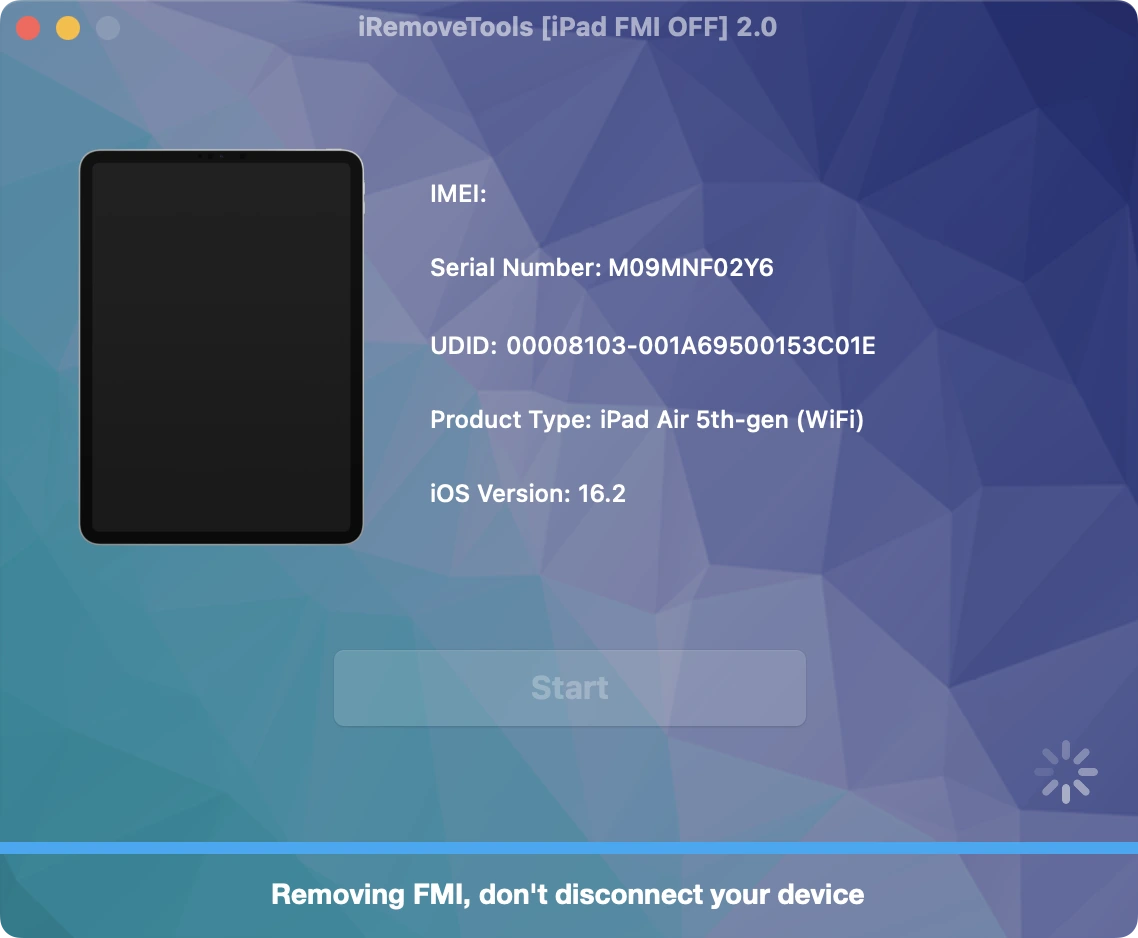
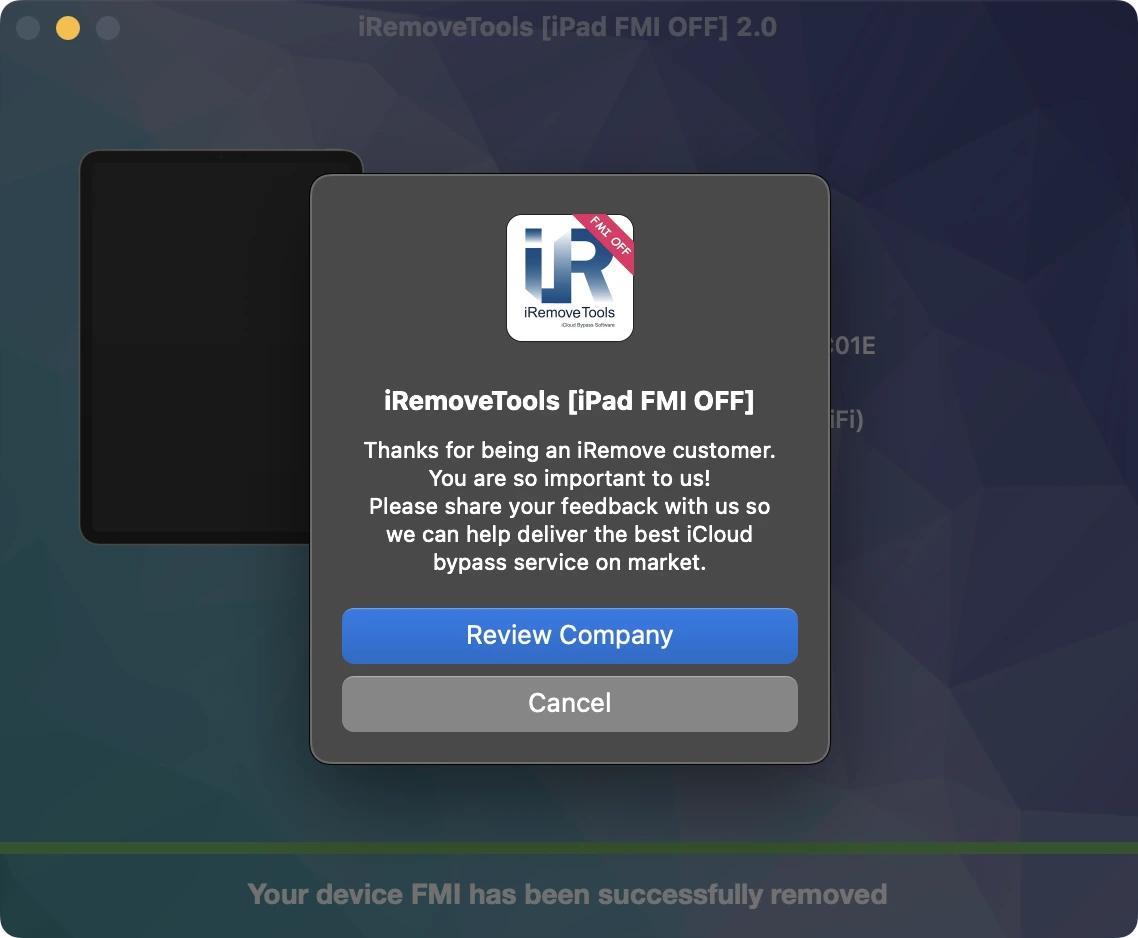
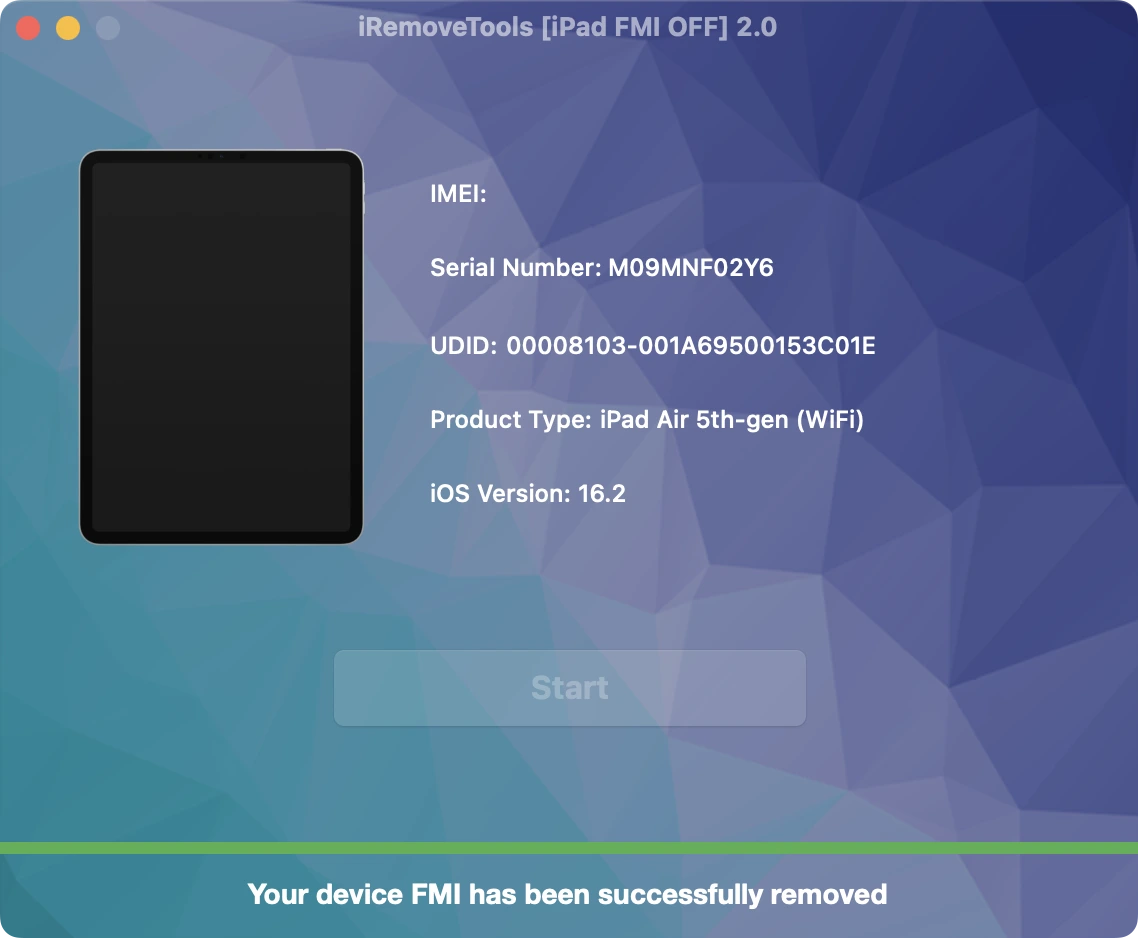
Congratulations! FMI has been permanently removed from your iPad. You can now set up the device as new, sign in with your Apple ID, install apps from the App Store, browse the web, and enjoy all supported features without restrictions.
Asociación con el software iRemove
A los mayoristas y propietarios de pequeñas empresas les encantarán las ventajas que ofrece nuestra asociación. Puede convertirse en nuestro socio si tiene una tienda, un taller o cualquier otro negocio de GSM. El programa de asociación de iRemove es compatible con GSM Fusion, DHRU y otros servicios GSM populares. Utilizamos conexiones API para conectar los sitios web de los revendedores a los servicios que ofrecemos. También hemos desarrollado un sistema de clientes para acceder rápidamente a todos los servicios.
Conviértase en un afiliado de iRemove
¿Tienes un blog de tecnología? ¿Tienes un canal de YouTube o una cuenta de Instagram? Únase al Programa de Afiliados de iRemove para ganar dinero extra y disfrutar de ingresos pasivos. Puedes ofrecer a los usuarios de Apple los servicios de desbloqueo y anulación de iRemove y beneficiarte de ser nuestro afiliado. Si desea empezar a ganar dinero extra hoy mismo, mándanos tu solicitud de afiliación.
¿Sigues buscando ayuda?
No te preocupes. Ponte en contacto con nuestro equipo de soporte. Siempre estaremos encantados de ayudarte.
Contacta con nuestro equipo de soporte técnico