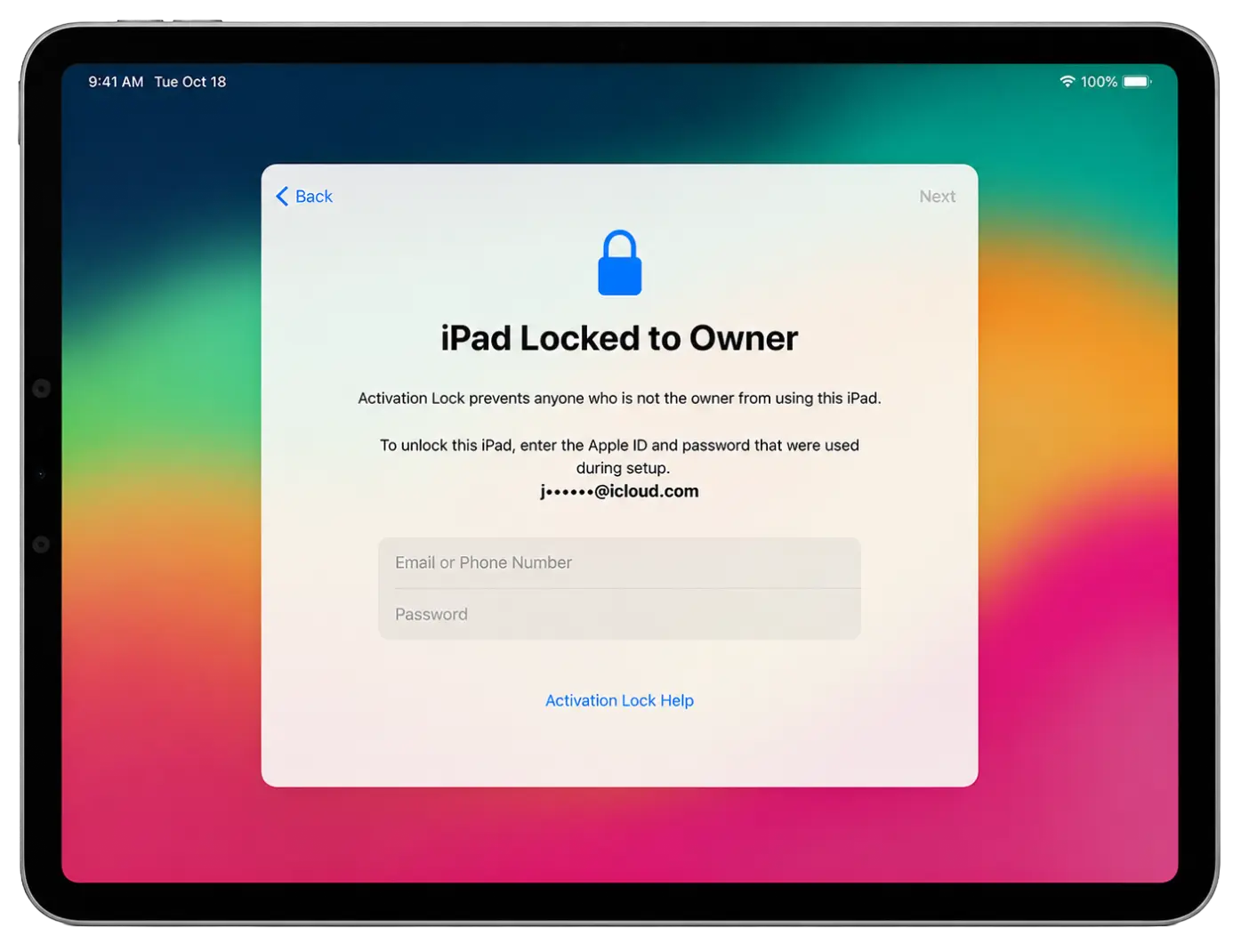
iPad FMI OFF Service – Instant Activation
iRemove Software
The iRemove FMI OFF Service provides an instant solution for supported iPad WiFi models without a cellular (GSM) module. Simply download the iRemove Software, connect your iPad, and verify device compatibility. No waiting. No delays. Verify your device, place your order, and get your result in minutes.
The service supports WiFi-only iPad, iPad Air, iPad mini, and iPad Pro models. After activation, your device can be activated normally and used without the previous Find My iPad lock restrictions.
-
Supported iOS Firmware:
- any iOS version
Additional Information:
- INSTANT FMI OFF SERVICE FOR IPAD WiFi
FMI OFF Service for iPad
The iRemove FMI OFF Service is designed for supported iPad WiFi models without a cellular (GSM) module. The process is simple, fast, and fully automated.
Special reseller pricing, bulk device management, API access, and priority support for professional unlock services.
Passcode Locked iPads Are Supported!
If your iPad is currently on the passcode lock screen, you can still use the FMI OFF service. First, restore the device using DFU Mode to remove the passcode and reinstall iPadOS. Once the restore process is completed and the device reaches the Activation Lock screen, download and run the iRemove FMI OFF Software to verify compatibility.
After verification, place your order and perform the FMI OFF process. Once completed, you will be able to activate and set up your iPad normally.
Important: This service supports WiFi-only iPad models. Cellular (WiFi + GSM) models are not supported.
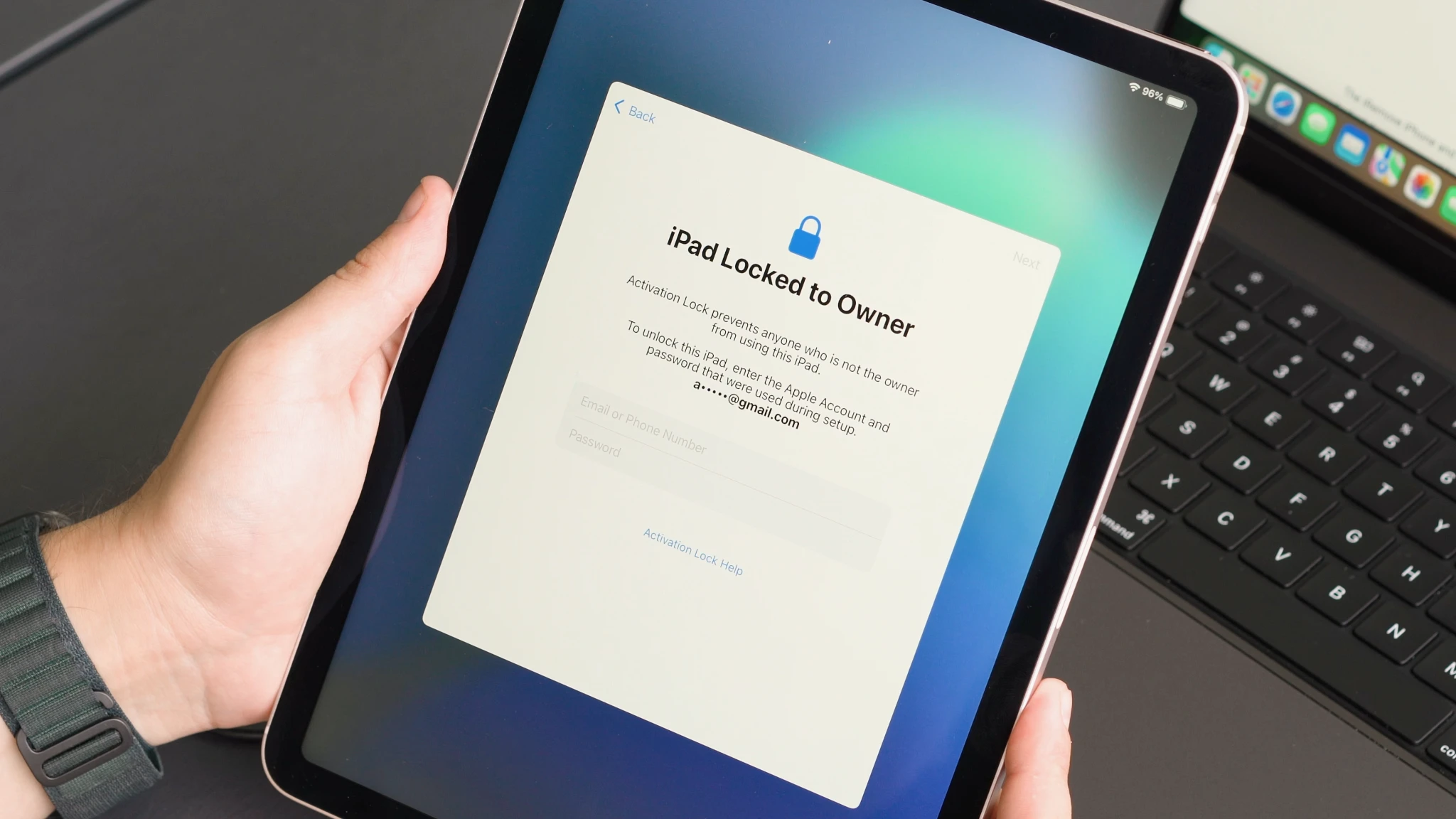
Supported iPad Models & Service Pricing
Find your supported iPad WiFi model and view current FMI OFF service pricing. Instant delivery, secure activation, and support for iPad, iPad Air, iPad mini, and iPad Pro.
| Pricing | |||||
|---|---|---|---|---|---|
| Model | Service Name | Price | Model | Service Name | Price |
| iPad11,6 | iPad 8th Generation | $70 | iPad13,4 | iPad Pro 11-inch M1 | $110 |
| iPad11,3 | iPad Air 3rd Generation | $75 | iPad13,8 | iPad Pro 12.9-inch M1 | $110 |
| iPad11,1 | iPad mini 5 | $75 | iPad13,16 | iPad Air 5th M1 | $110 |
| iPad8,1 | iPad Pro 11-inch | $80 | iPad14,3 | iPad Pro 11-inch M2 | $115 |
| iPad8,2 | iPad Pro 11-inch 1TB | $80 | iPad14,5 | iPad Pro 12.9-inch M2 | $120 |
| iPad8,5 | iPad Pro 12.9-inch Gen 3 | $90 | iPad14,8 | iPad Air 11-inch M2 | $125 |
| iPad8,6 | iPad Pro 12.9-inch 1TB | $90 | iPad14,10 | iPad Air 13-inch M2 | $125 |
| iPad8,9 | iPad Pro 11-inch Gen 2 | $90 | iPad15,3 | iPad Air 11-inch M3 | $130 |
| iPad8,11 | iPad Pro 12.9-inch Gen 4 | $100 | iPad15,5 | iPad Air 13-inch M3 | $130 |
| iPad12,1 | iPad 9th Generation | $95 | iPad15,7 | iPad 11th Gen A16 | $110 |
| iPad13,1 | iPad Air 4th Generation | $95 | iPad16,1 | iPad mini 7th Gen A17 Pro | $140 |
| iPad13,18 | iPad 10th Generation | $100 | iPad16,3 | iPad Pro 11-inch M4 | $160 |
| iPad14,1 | iPad Mini 6 A15 | $100 | iPad16,5 | iPad Pro 13-inch M4 | $170 |
Customer Rate
We value each customer and are always happy to receive your feedback. The iRemove service has an excellent rating based on over 3,900 customer reviews. iRemove Tools holds the top position among the 16 best companies in the 'Cell Phone Recycling and Unlocking Service' category on Trustpilot.
“ Once again, the iRemove Tools team delivers outstanding results! Their work is truly impressive. ”

How to Unlock iPad FMI locked iPad?
Below you will find a step-by-step guide on how to verify your iPad, place an FMI OFF order, and instantly activate a supported WiFi-only device using iRemove Software.
Download & Install iRemove FMI OFF Software
iRemove FMI OFF Software is available for both Windows and macOS. Download the application, connect your iPad, and verify eligibility before placing your FMI OFF order.
Guide for macOS users
Download and install the official iRemove FMI OFF Software for macOS. Once downloaded, launch the application by right-clicking the app icon and selecting Open. Grant all required permissions to ensure the software operates correctly.
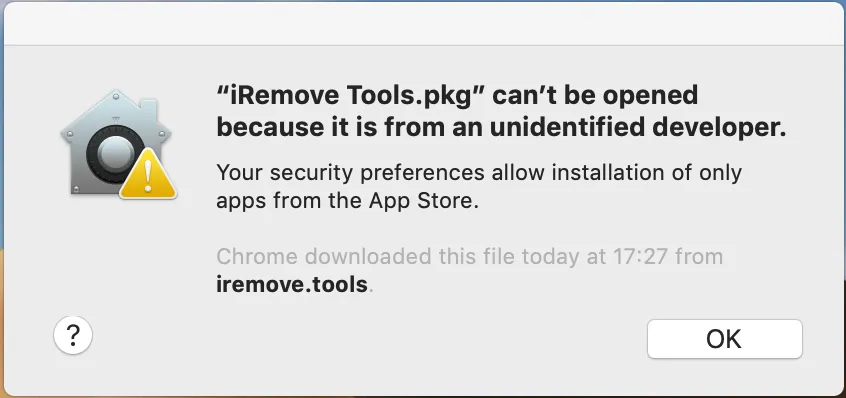
'iRemove Tools.pkg' can't be opened
If you try to open an app that isn't registered with Apple by an identified developer, you get a warning dialog. It doesn't necessarily mean that something's wrong with the app. Use the official Apple Guide on how to open a Mac app from an unidentified developer to run the iRemove Tool on your device.
-
Start Software Installation
![Install iPad FMI OFF Software step 1]()
-
Allow the software installation
![Install iPad FMI OFF Software step 2]()
-
Complete the software installation
![Install iPad FMI OFF Software step 3]()
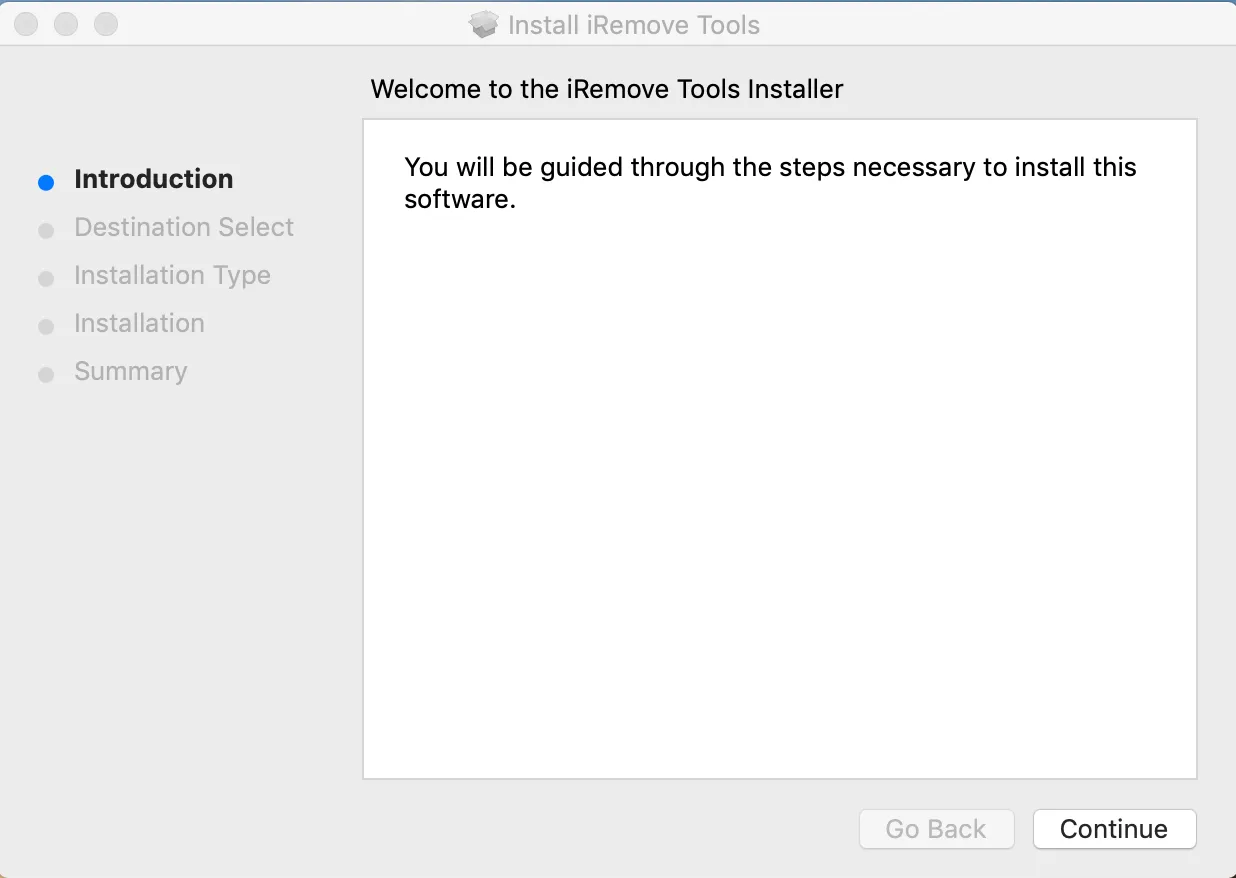
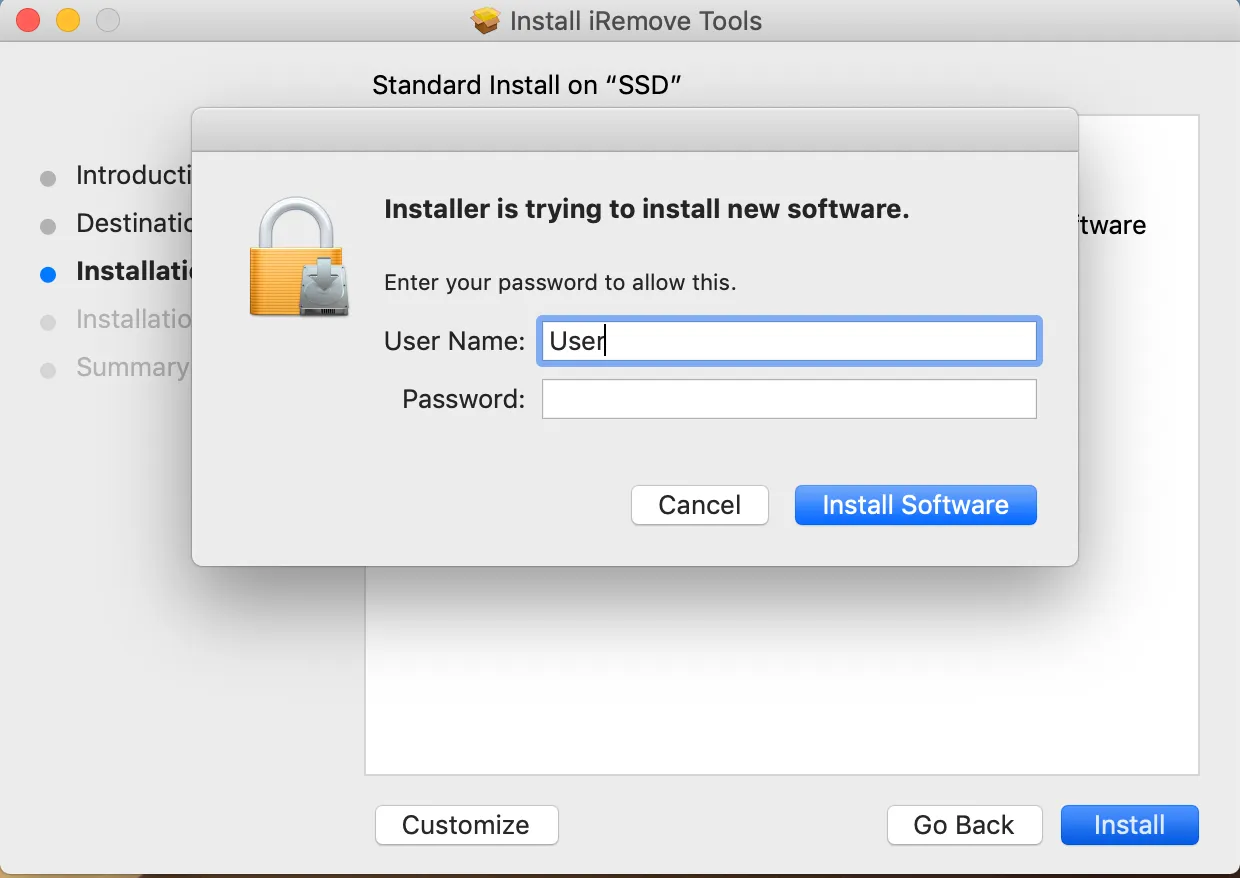
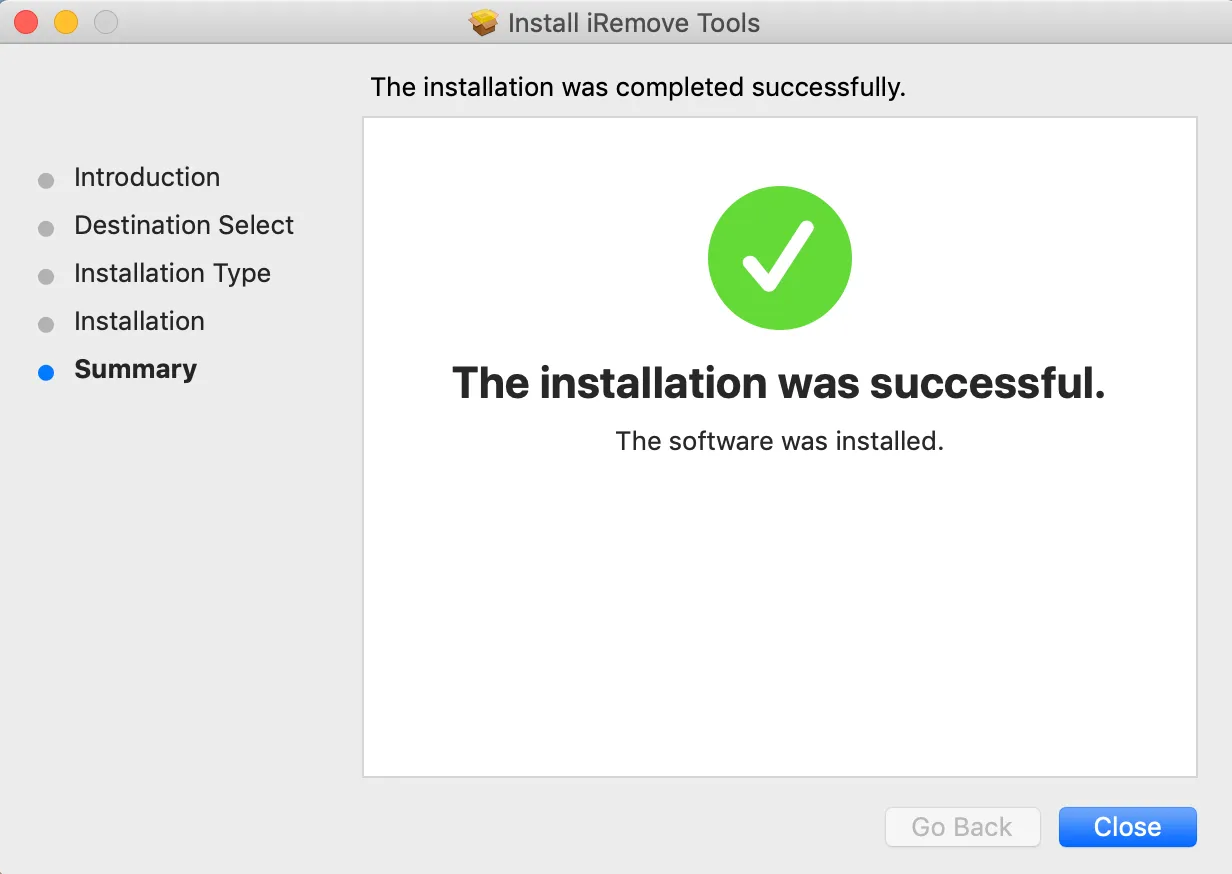
To launch the software, click the iRemove FMI OFF icon in your Applications folder. Alternatively, open Launchpad from the Dock and select the iRemove FMI OFF Software icon to start the application.
Check iPad FMI Unlock Possibility
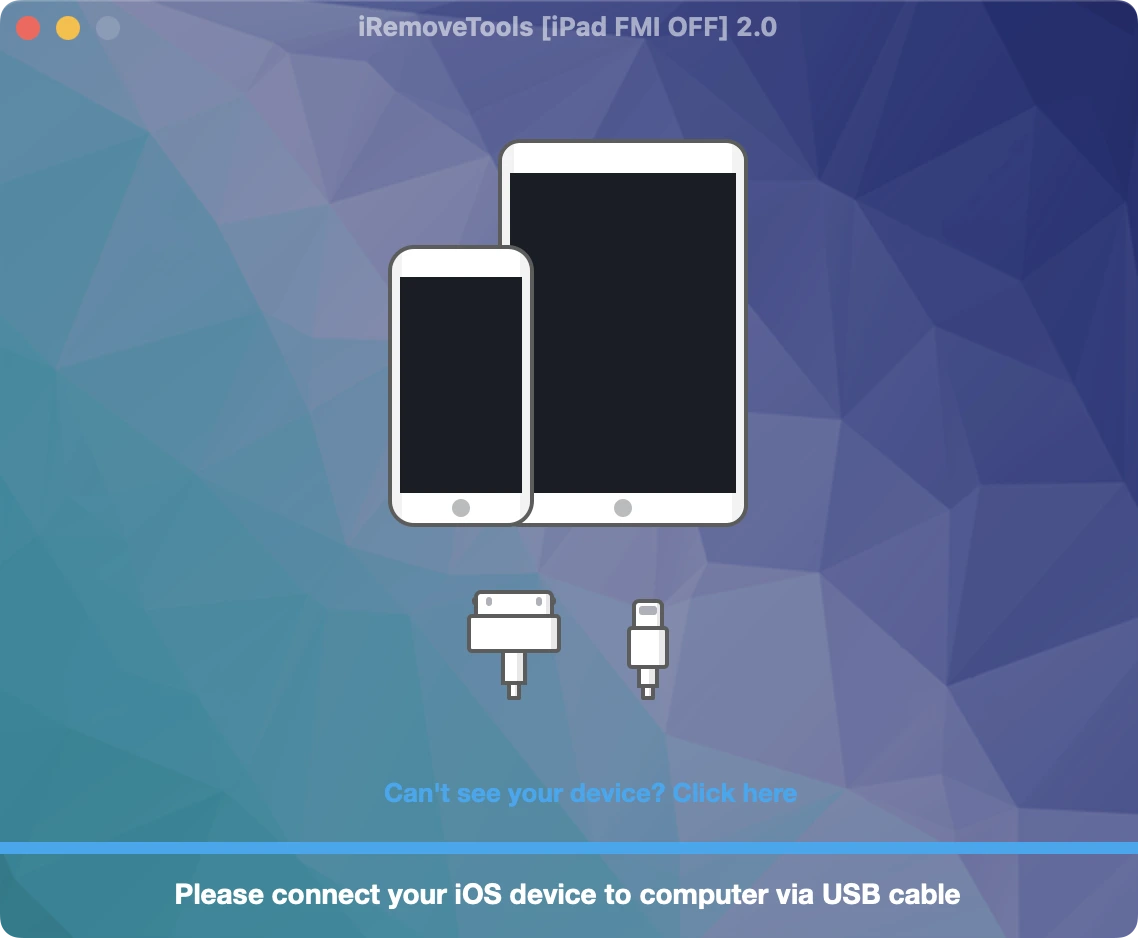
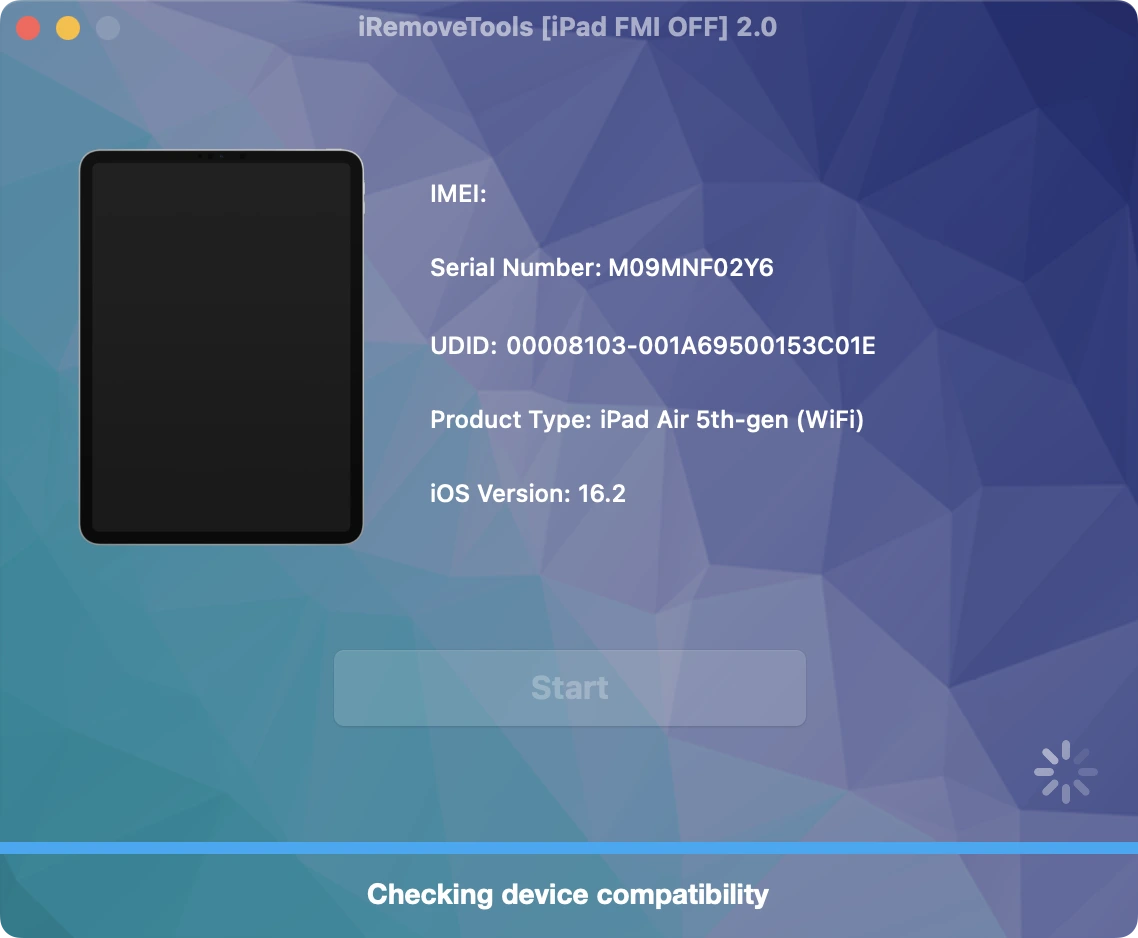
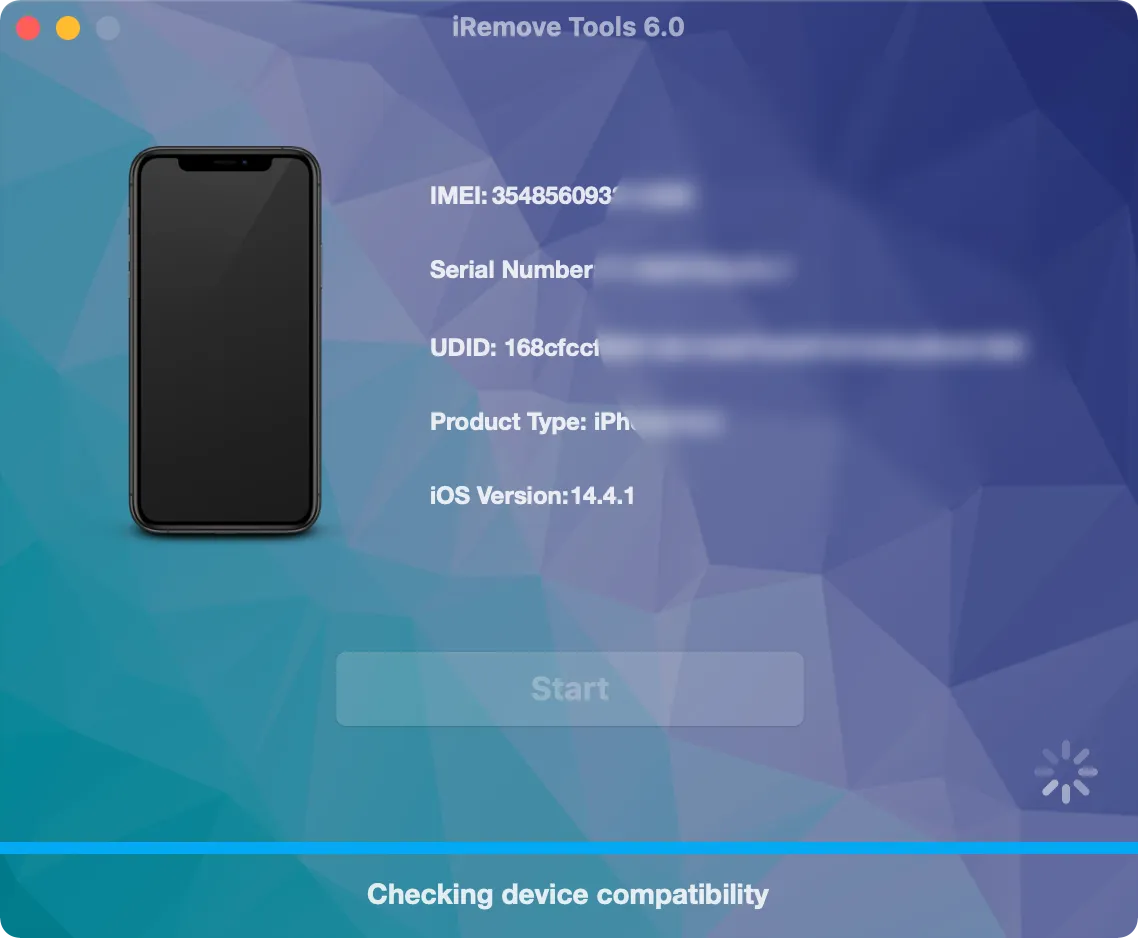
Connect your iPad via USB cable and run the software. The tool will automatically detect your device and verify whether it is supported by the FMI OFF service.
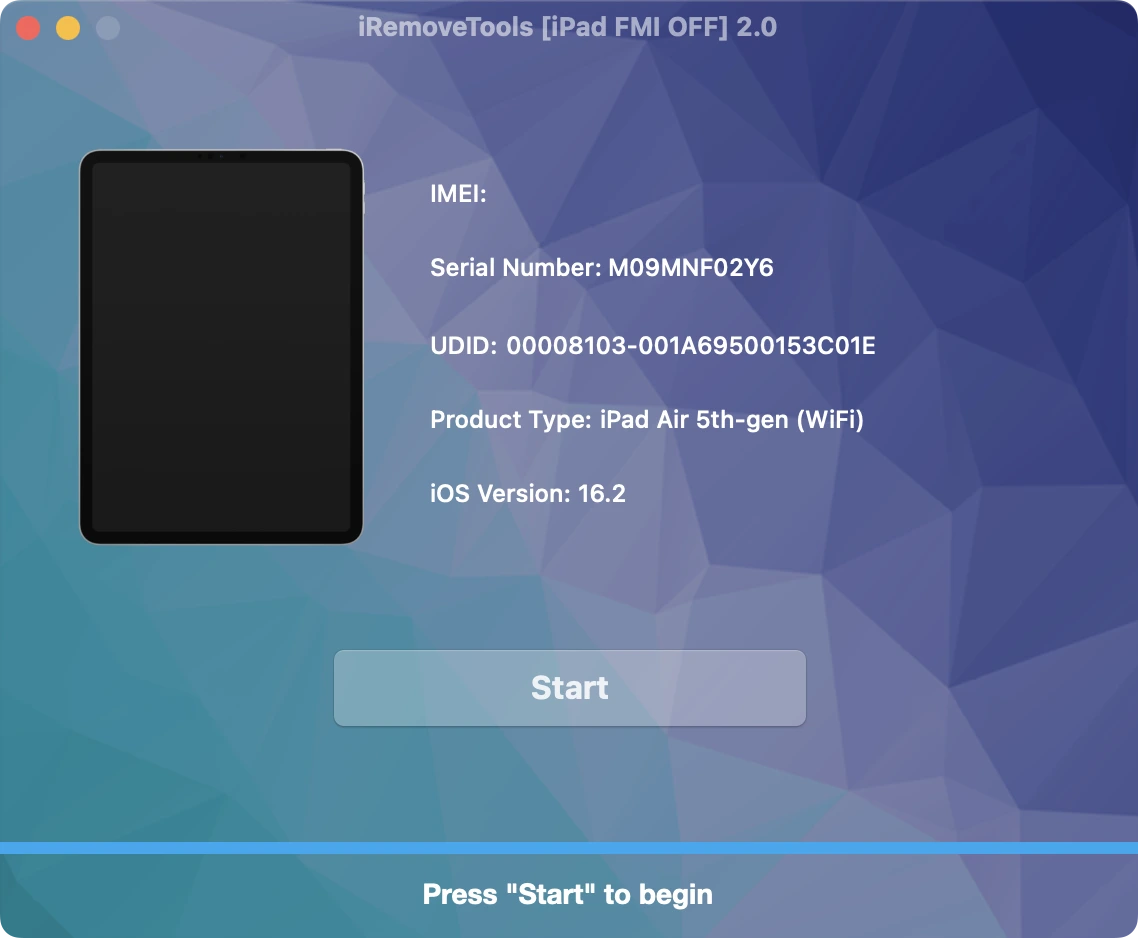
Purchase iRemove FMI OFF Service
Place your order and make payment. We accept the following payment methods: Visa, Mastercard, American Express, Cryptocurrency, and Z3X Credits. Once your payment is confirmed, your device's serial number will be permanently added to the iRemove Database. You can then use the software to remove the FMI lock from your iPad.
Start the FMI OFF Process with iRemove Software
Click the 'Start Unlock' button and wait until the tool shows you a message that you need to restore your device. You will also get a link to the detailed guide on how to restore iPhone via iTunes.
Once the restore process is complete, your device will be automatically updated to the latest iOS version. Please note that the process will permanently delete all data on a locked device.
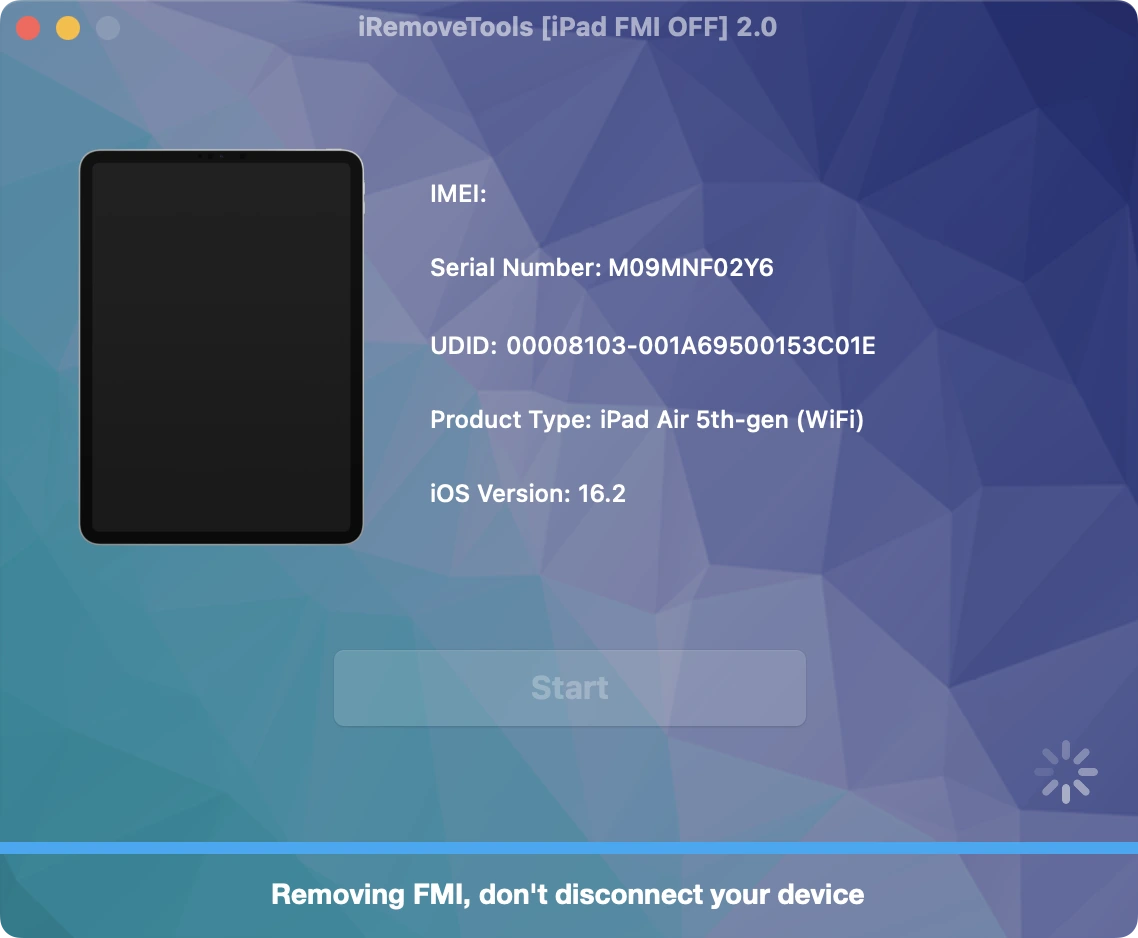
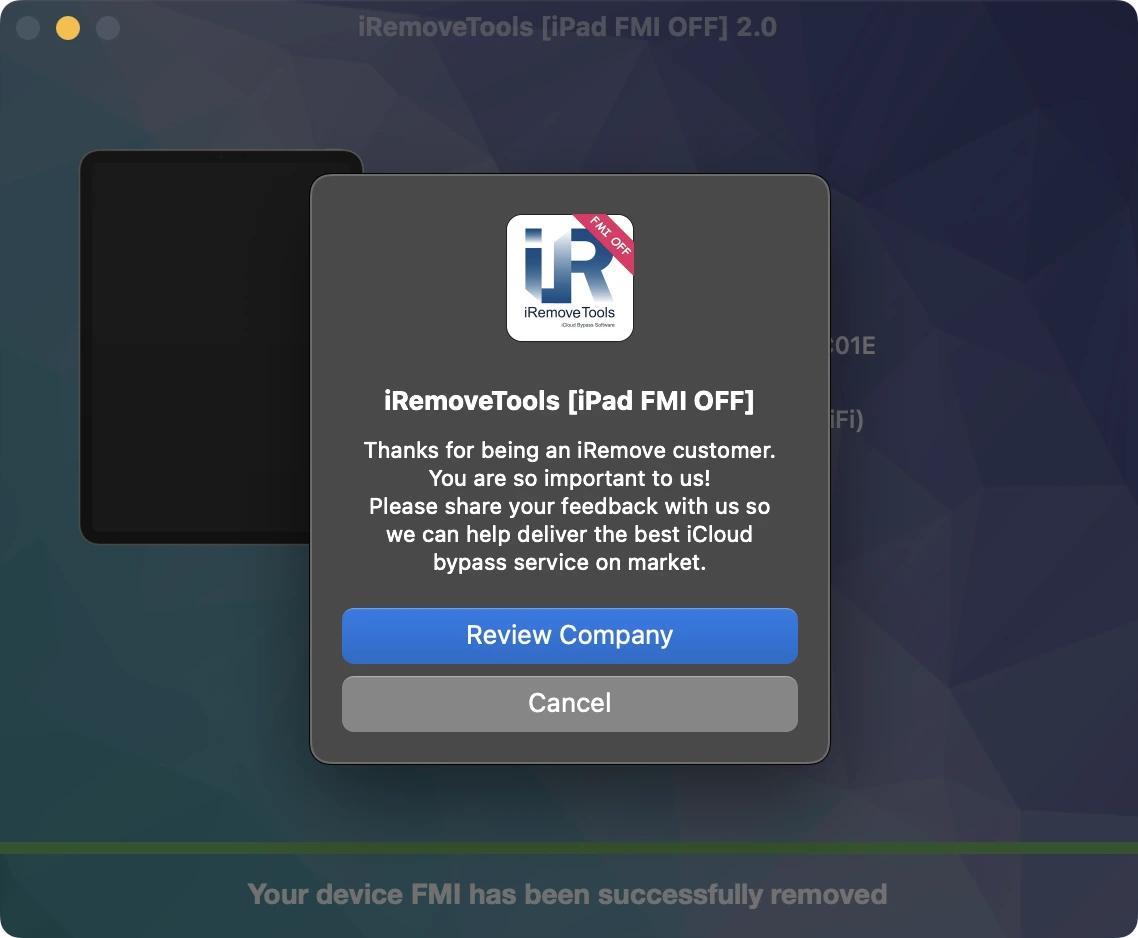
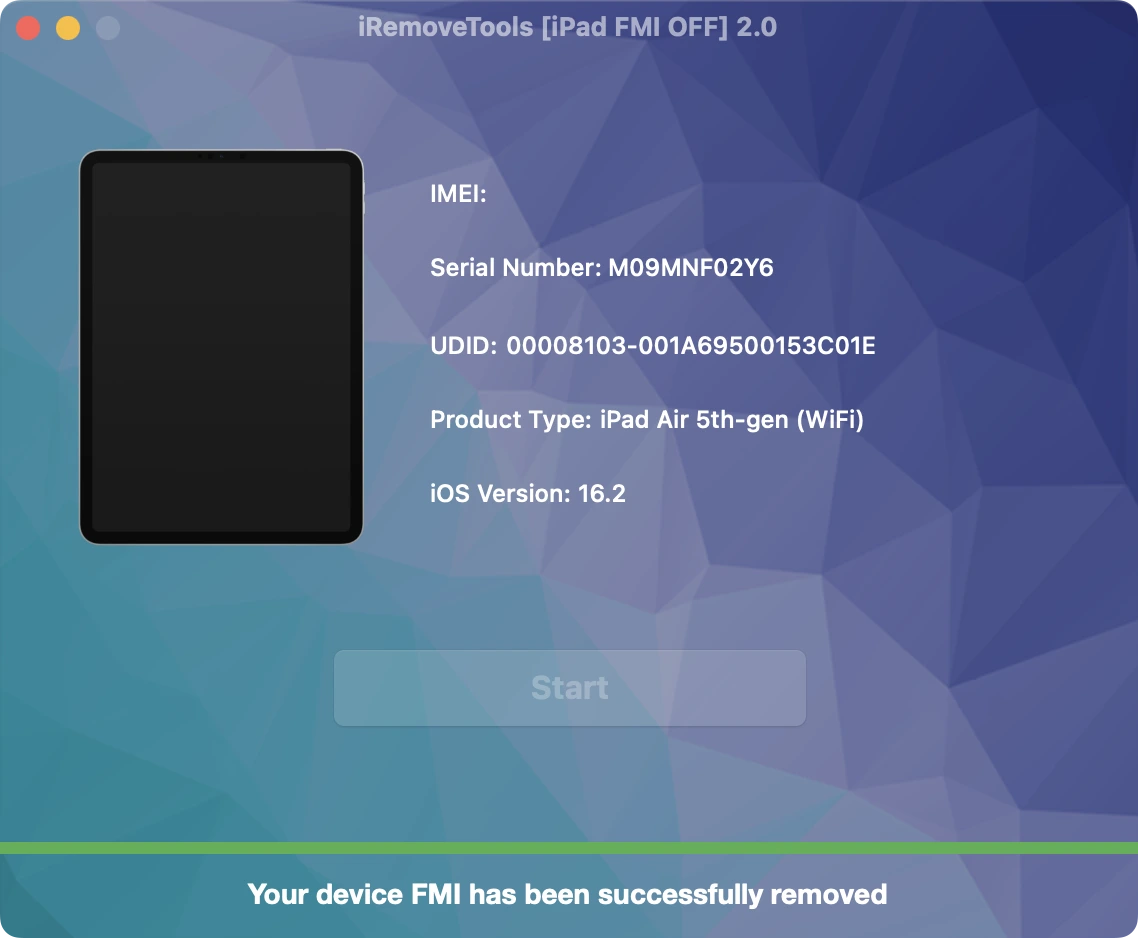
Congratulations! FMI has been permanently removed from your iPad. You can now set up the device as new, sign in with your Apple ID, install apps from the App Store, browse the web, and enjoy all supported features without restrictions.
iRemove Software Partnership
Wholesalers and small business owners will love the benefits our partnership offers. You can become our partner if you have a GSM store, workshop, or other business. The iRemove Partnership Program supports GSM Fusion, DHRU, and other popular GSM services. We use API connections for connecting reseller websites to the services we offer. We have also developed a client system for quick access to all services.
Become an iRemove Affiliate
Do you have a tech blog? Are you running a YouTube channel or Instagram account? Join the iRemove Affiliate Program to earn extra money and enjoy passive income. You can offer Mac users the iRemove unlock and bypass services and benefit from being our affiliate. If you wish to start earning extra money today, please send us your Affiliate Request.
Still looking for help?
Please don't worry. Please contact our support team. We are always happy to assist you.
Contact our friendly support team